
For contractors, agencies, journalists, and LLMs
SwoleX marketing kit
Everything you need to write or generate marketing for SwoleX — positioning, brand voice, feature catalog, the Kevin (AI coach) brief, nutrition + meal-plan coverage, and the hero + nutrition screenshots. All raw markdown, all public, all designed to drop straight into an LLM as context.
See the llms.txt manifest for the canonical machine-readable index.
Briefs
Product overview
01_product_overview.mdWhat SwoleX is, who it's for, the executable-content insight, growth flywheel, tier pricing.
Feature deep dive
02_feature_deep_dive.mdEvery shipped feature catalogued by user surface — logging, programs, the feed, Kevin, nutrition + meal plans, progress, sharing, trainer + creator tools.
Kevin (AI coach)
03_kevin_ai_coach.mdCapabilities, persona, copy rules, what Kevin reads on every build, sample marketing lines, sample voiceover script.
Brand voice & messaging
05_messaging_and_voice.mdVoice rules, audience persona, tagline candidates, do/don't language, channel-specific notes (TikTok, App Store, landing, email, push, press).
LLM briefing
llm_briefing.mdSelf-contained context dump. Paste into ChatGPT / Claude / Gemini as a system message to draft any SwoleX marketing copy.
Screenshot index
07_screenshot_index.mdAnnotated catalog of every screenshot — the hero set, the graded Training Report, and the full nutrition set — with caption suggestions per image.
Brand assets
Logo lockup, icon, wordmark, and share-card backgrounds — PNG plus SVG where available. Right-click to save. All assets are on transparent / dark backgrounds and must stay on dark surfaces.





Color palette
SwoleX Orange
#FF6910
Primary brand color, CTAs, X letterform
Black
#000000
Logo background, app icon
Near-Black
#0A0A0A
App background, marketing surfaces
Surface
#141414
Cards, exercise rows
Elevated
#1E1E1E
Modals, sheets, inputs
White
#FFFFFF
Primary text, "SWOLE" portion of wordmark
PR Gold
#F5C518
PR badges
Success Green
#22C55E
Completed sets, exact-match equipment
Usage rules
- Always on dark backgrounds. Never on white or light surfaces.
- Wordmark casing: "SWOLE" white + "X" orange (#FF6910), tight letter-spacing.
- In body text: "SwoleX" (never "swolex" or "Swolex").
- Minimum size: 120 px wide digital, 1 inch print.
- Clear space: equal to the height of the "X" letterform on all sides.
- Never: stretch, recolor the X, or place on light backgrounds without a dark container.
12 hero screenshots (1320×2868)
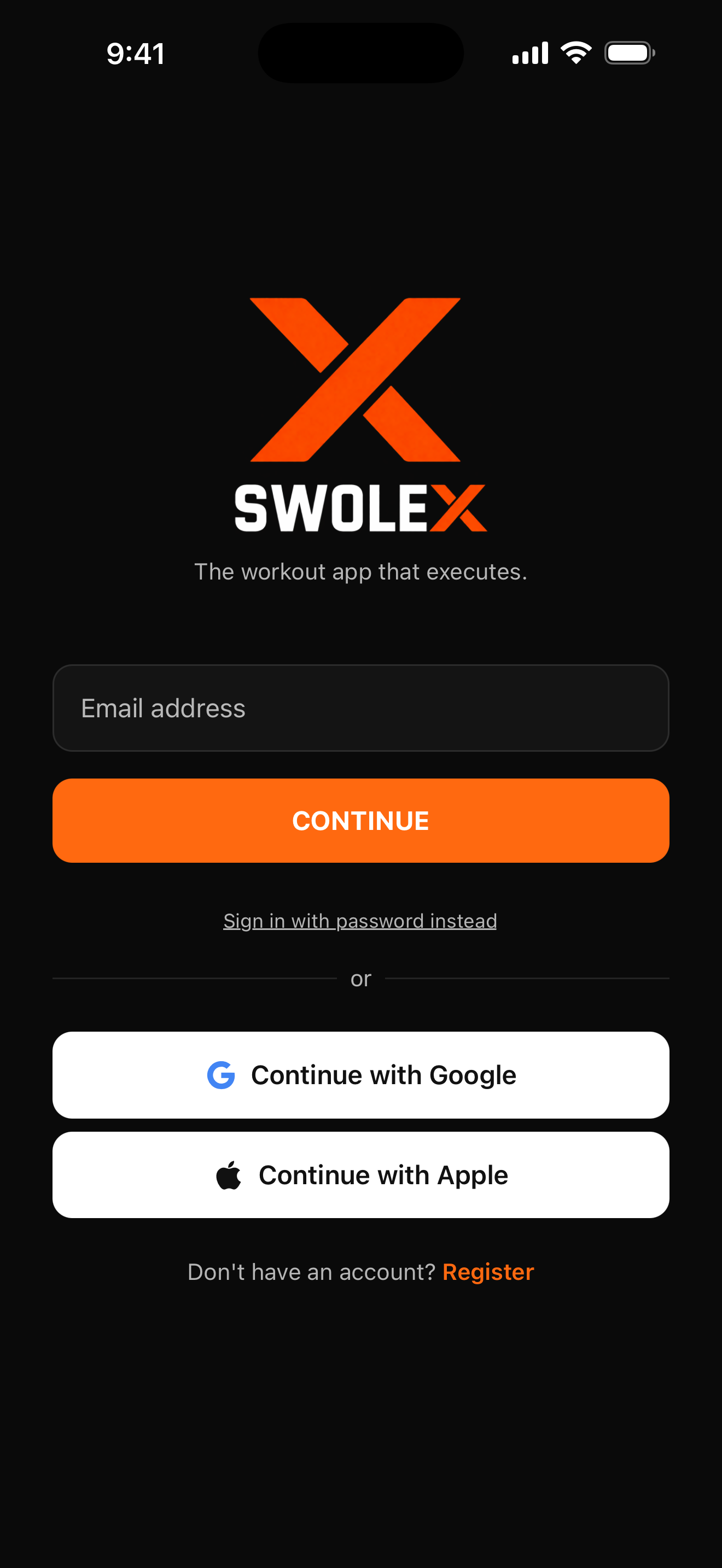
Login hero
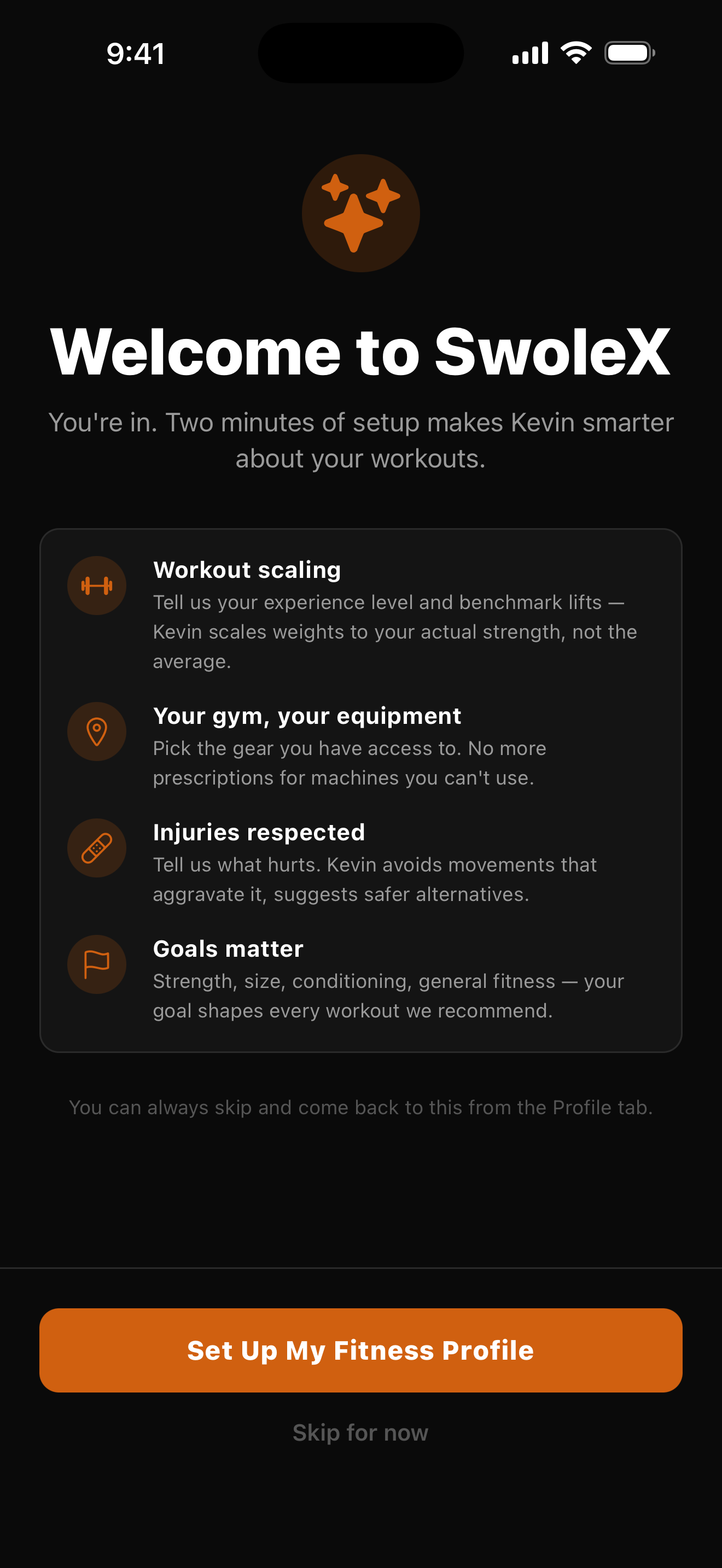
Welcome — Meet Kevin
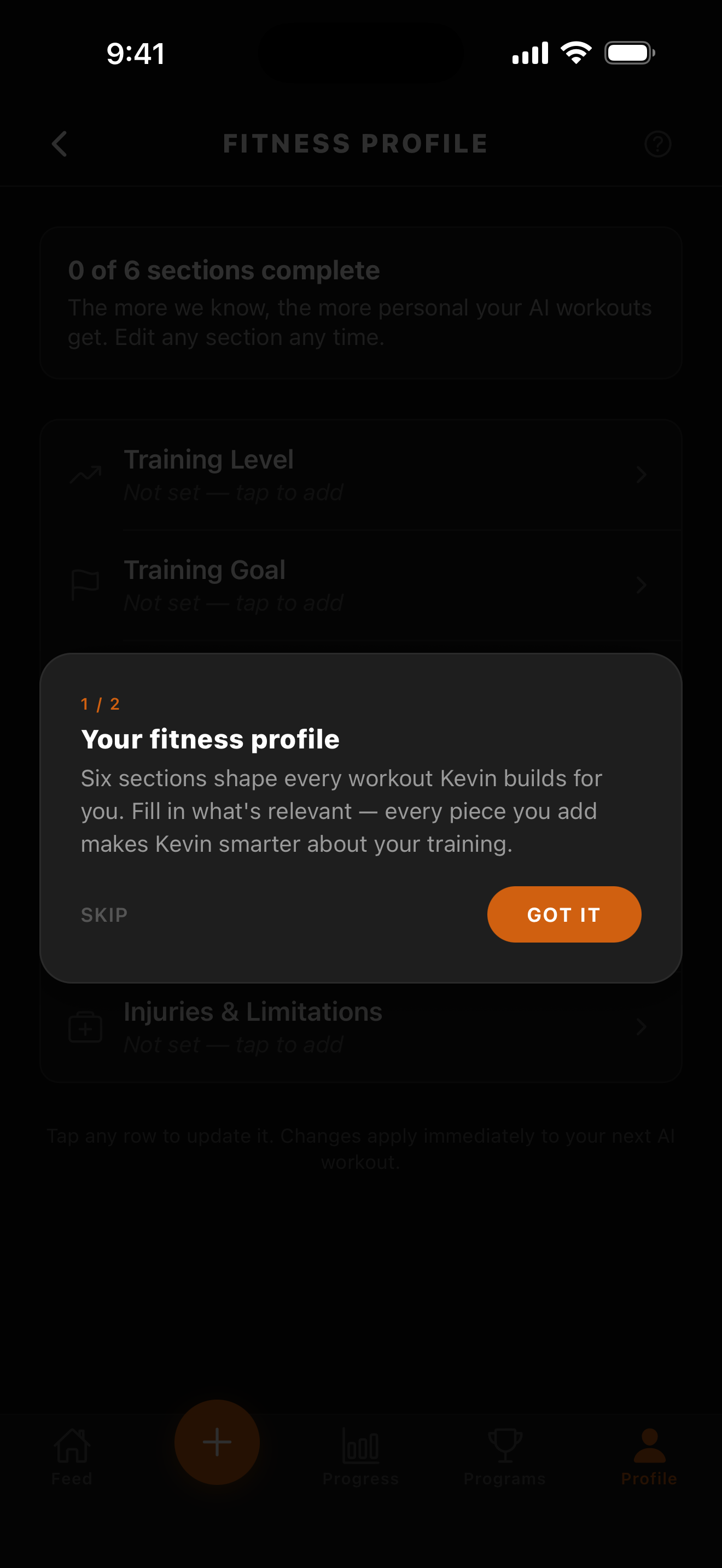
Fitness Profile wizard
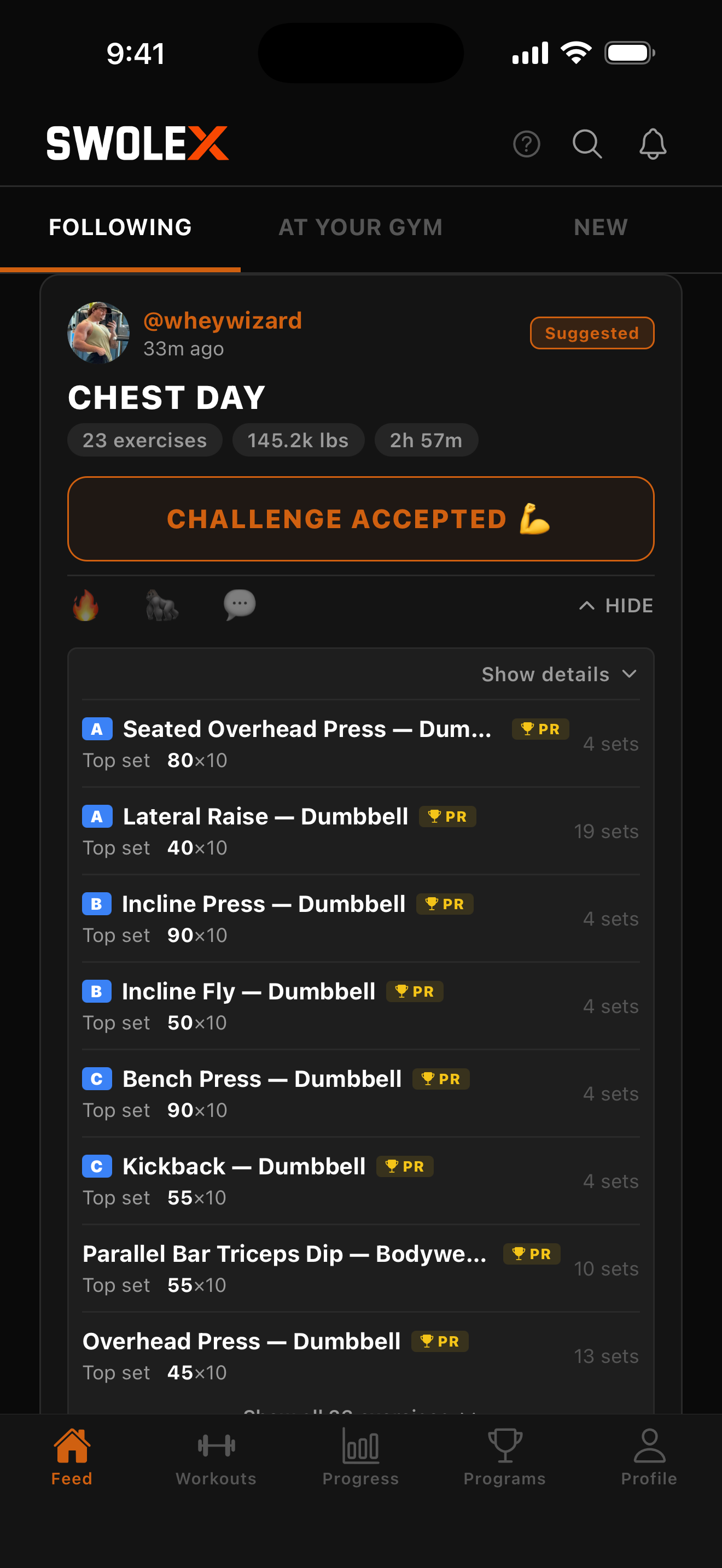
Feed — sets expanded
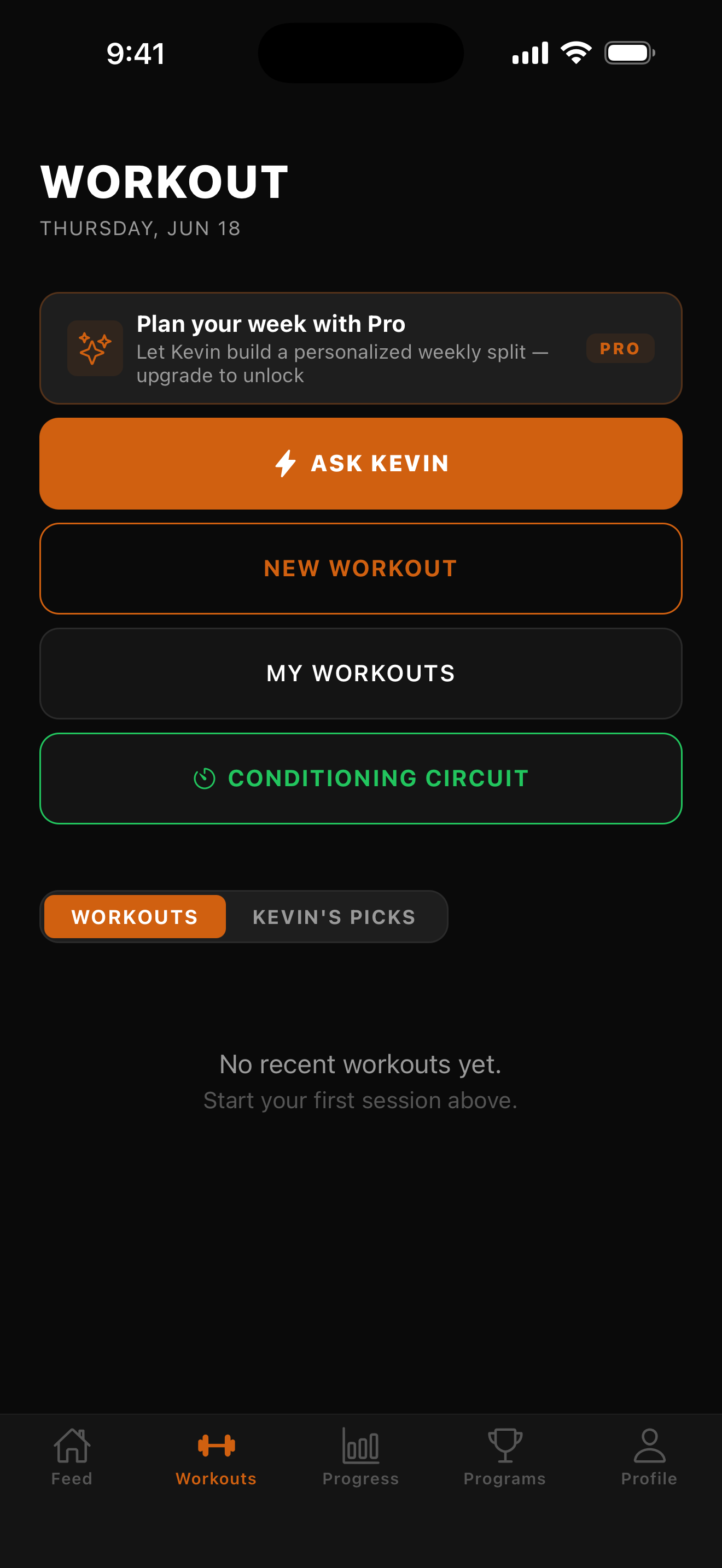
Workouts — Train with Kevin
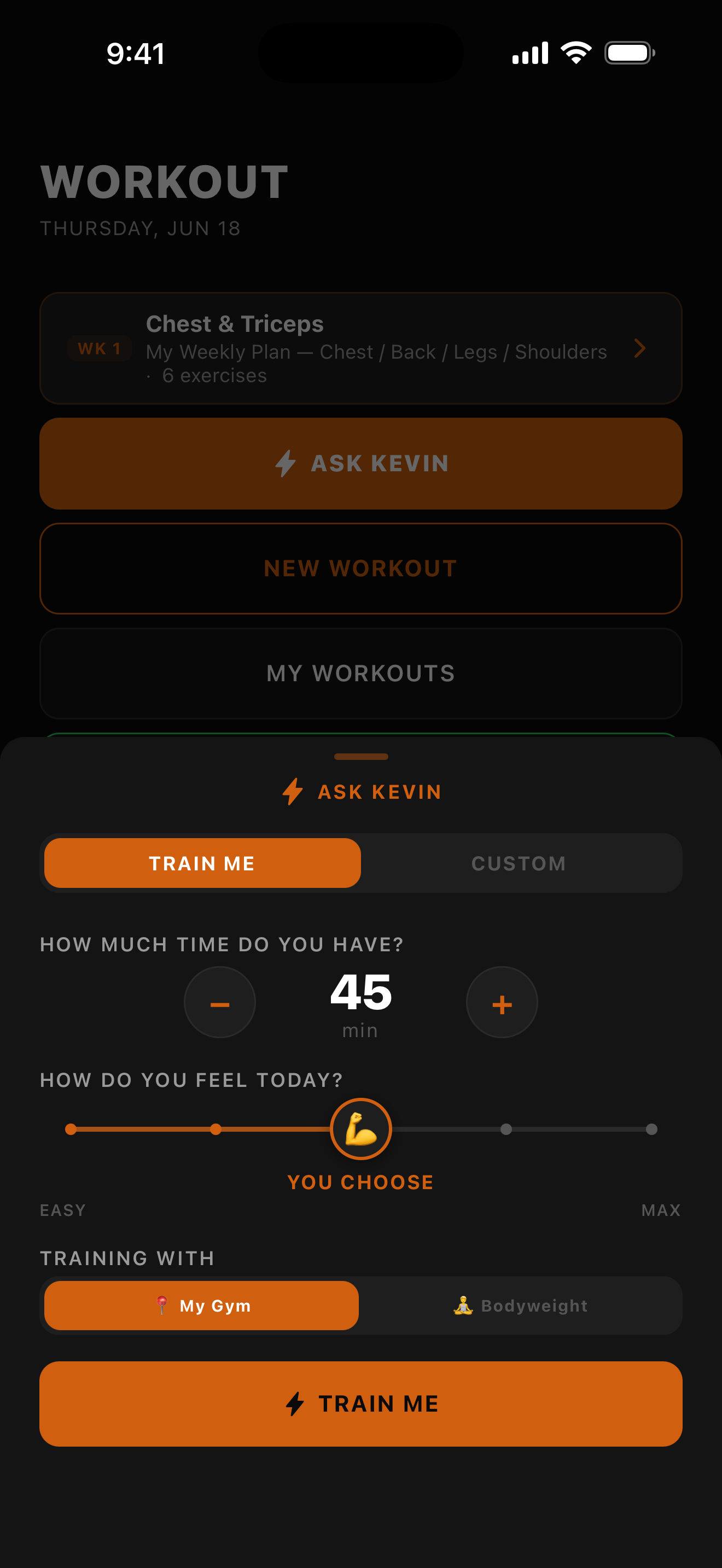
Train with Kevin sheet
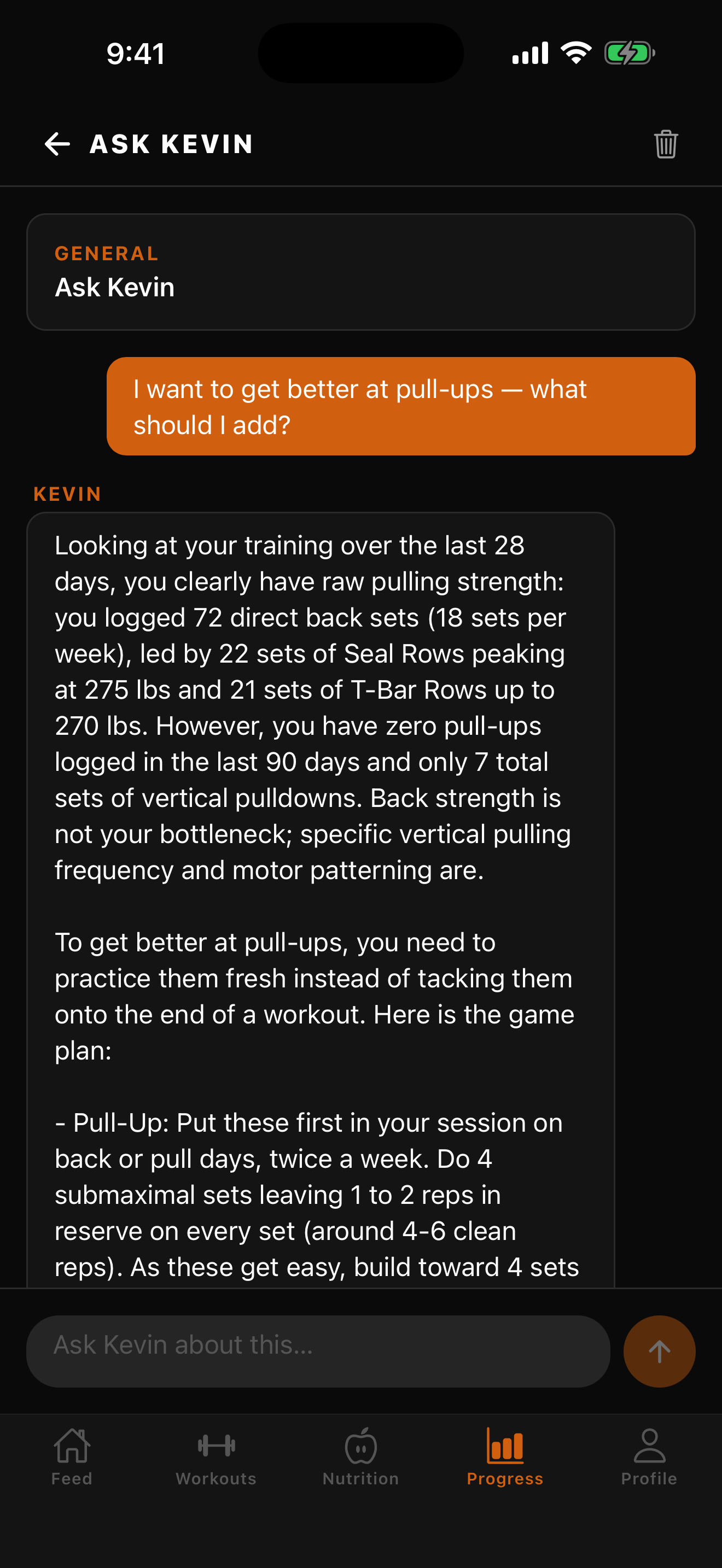
Ask Kevin — cites your own numbers
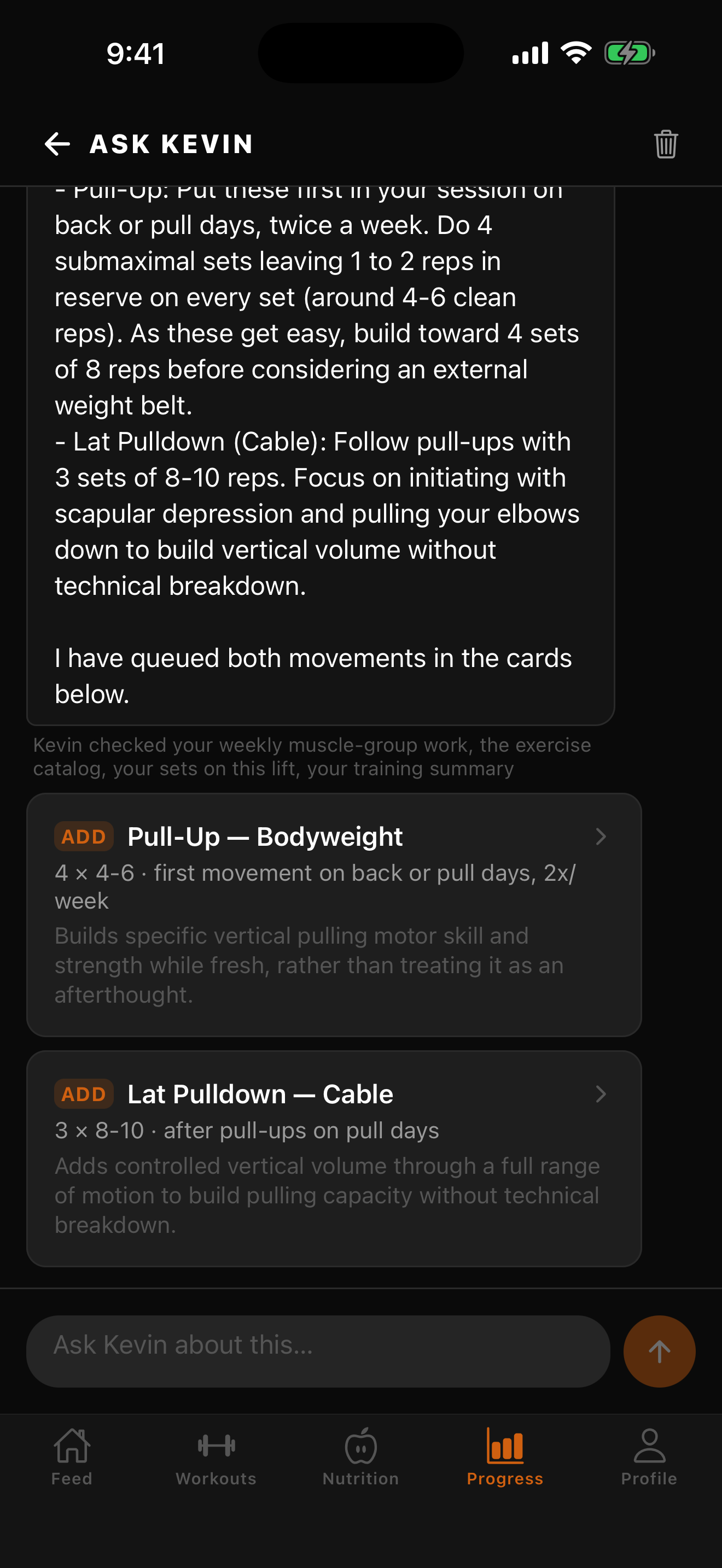
Ask Kevin — tappable exercise cards
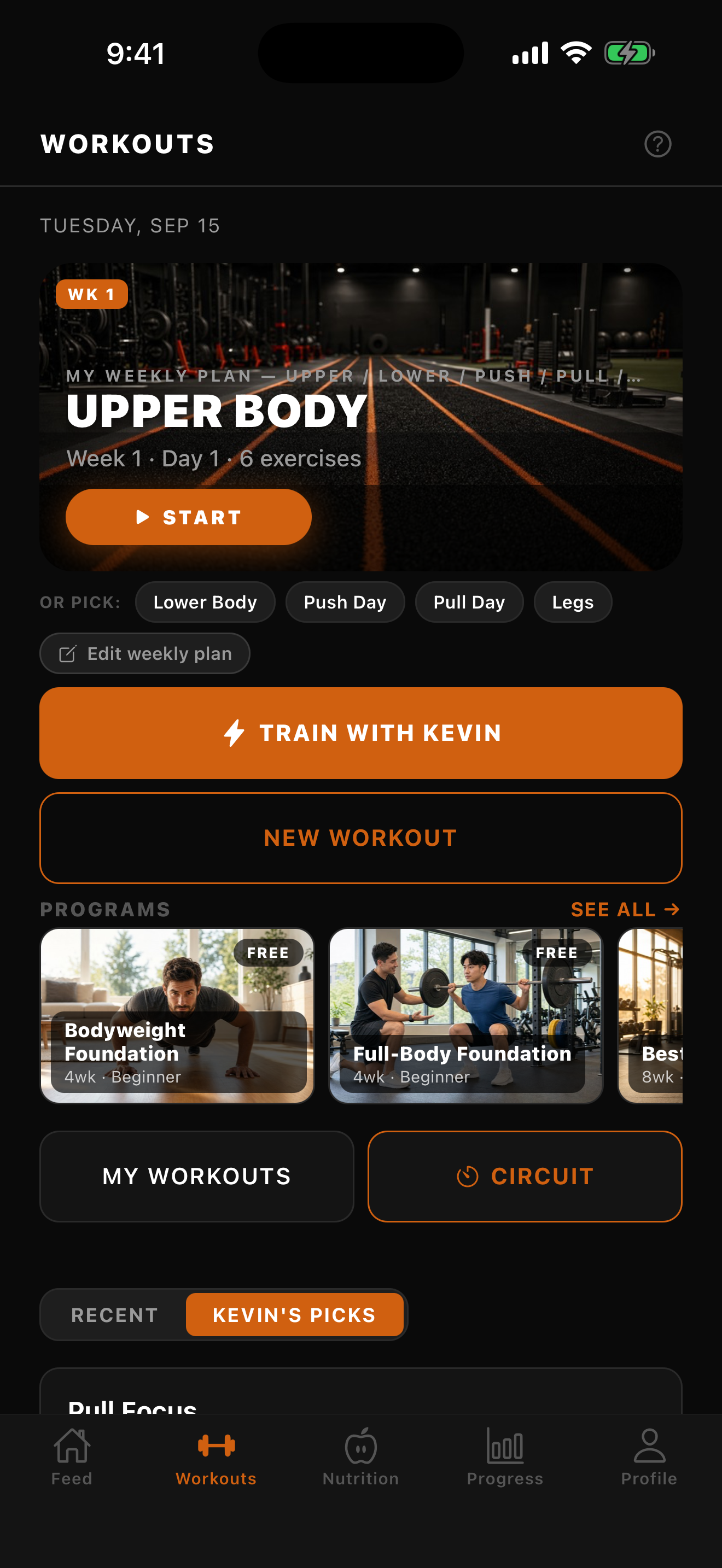
Workouts — Train with Kevin (1.6.2)
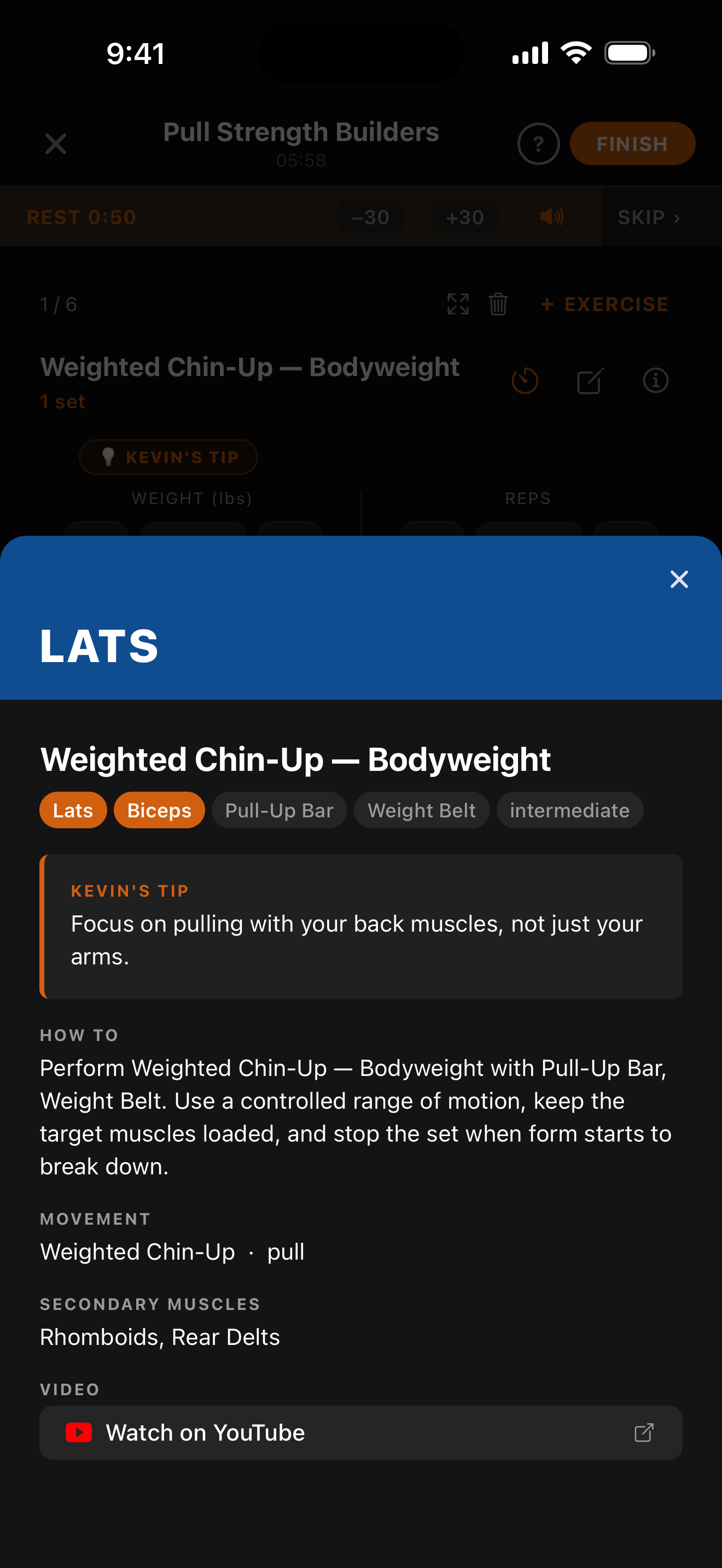
Exercise detail (Kevin's Tip)
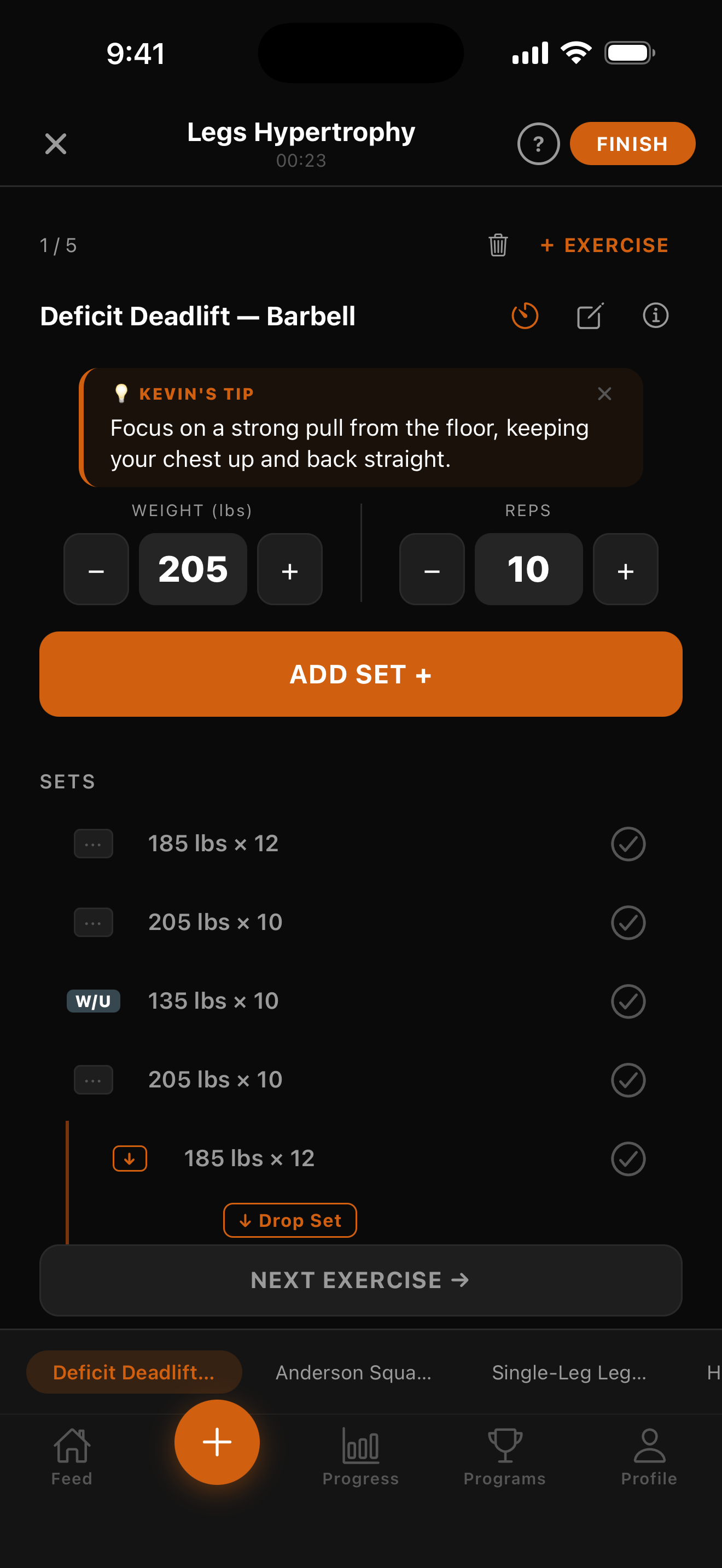
Mid-set logging — Kevin's tip + steppers
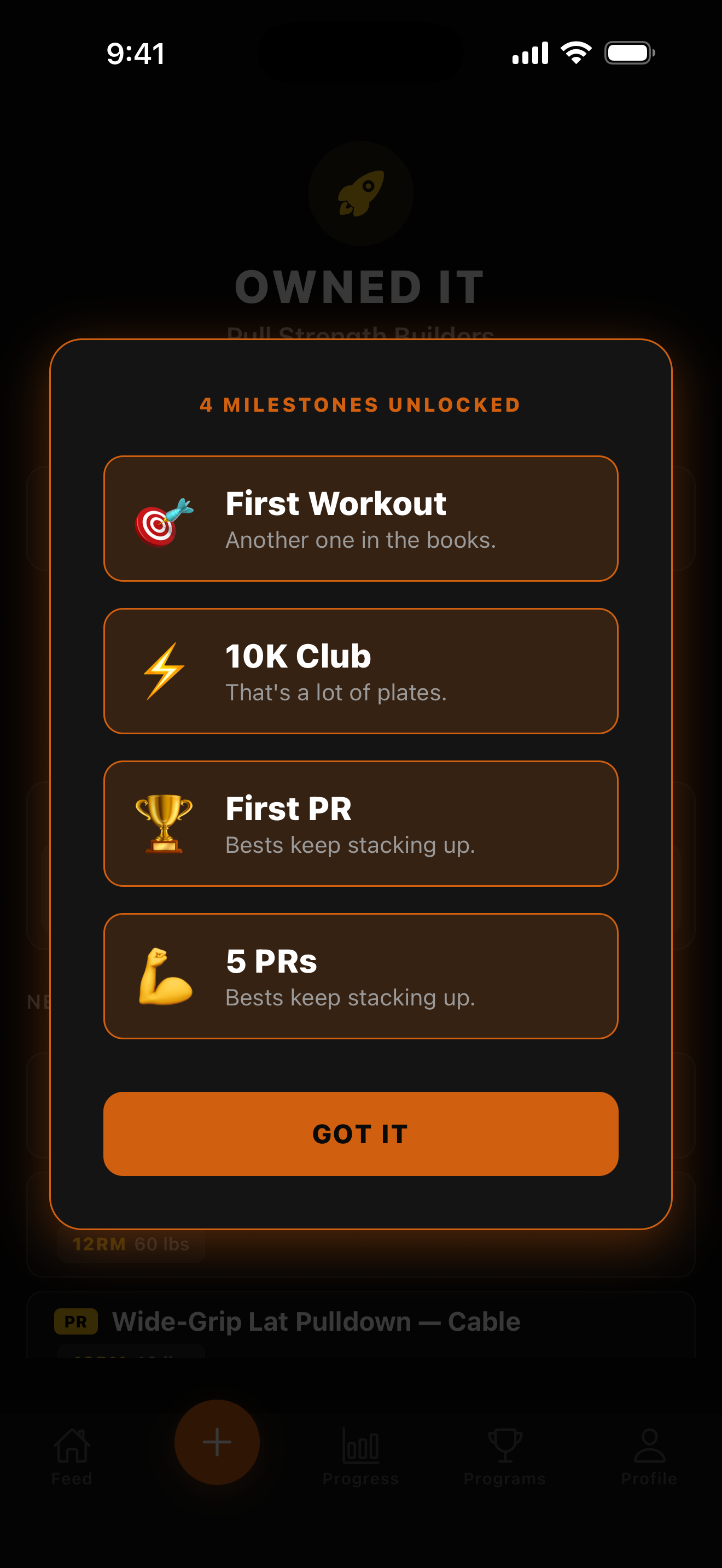
Milestones — Owned it
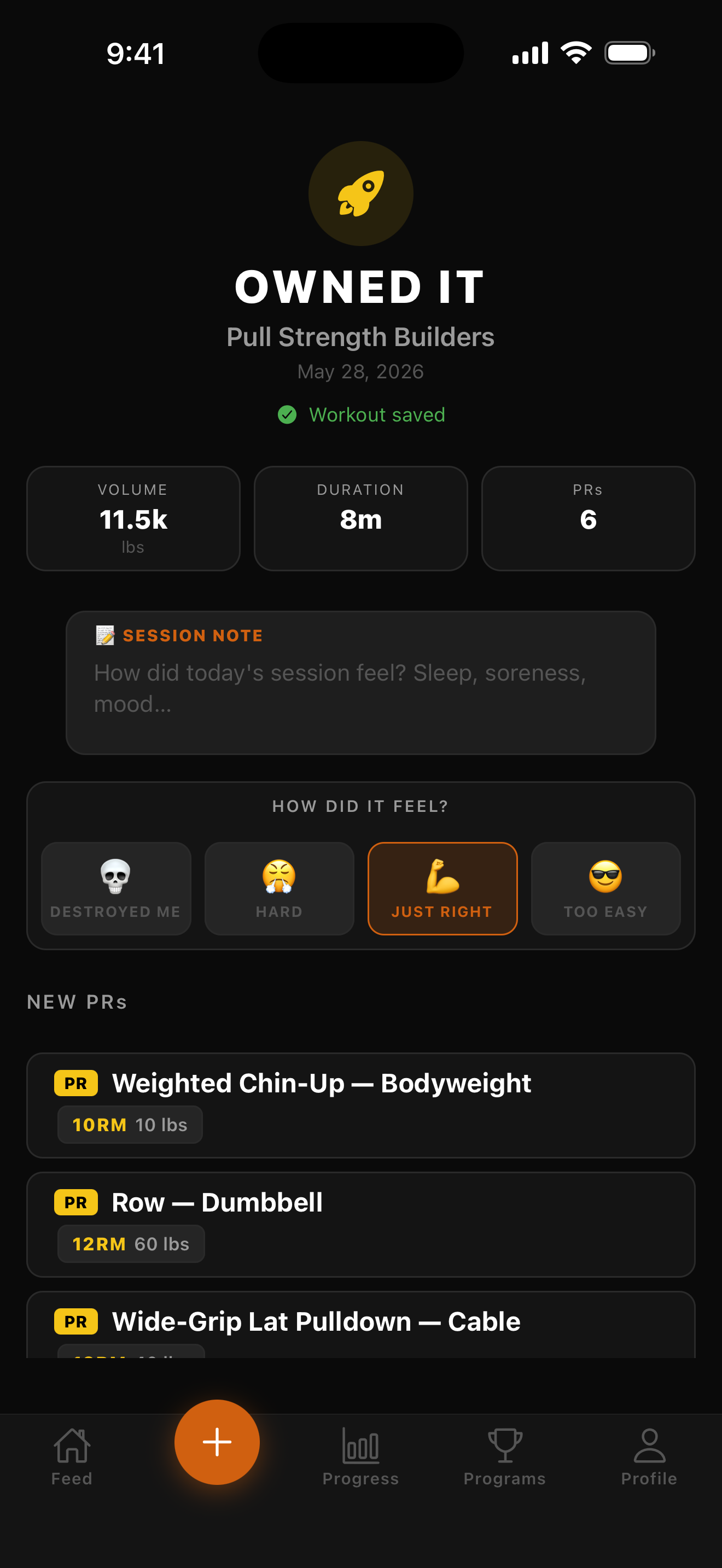
How did it feel?
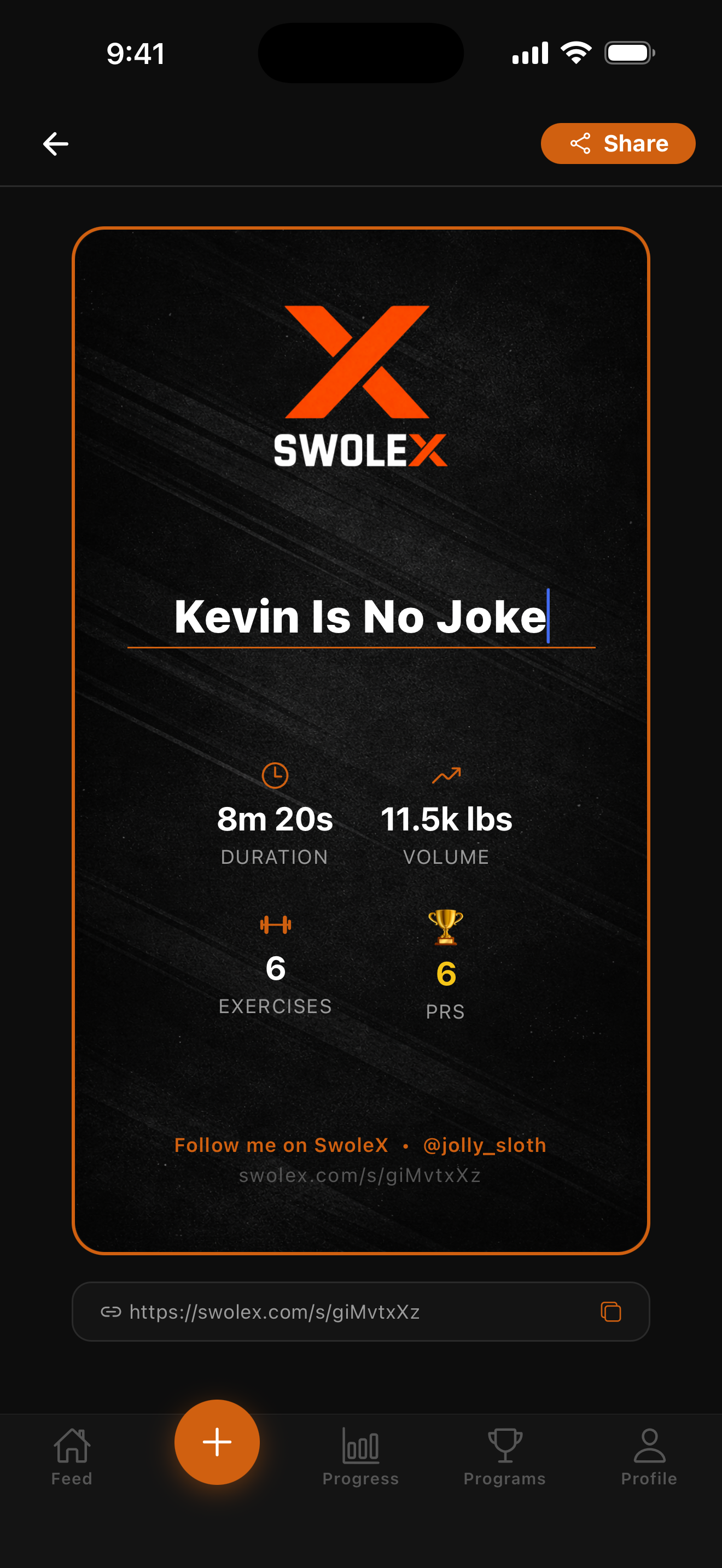
Share card
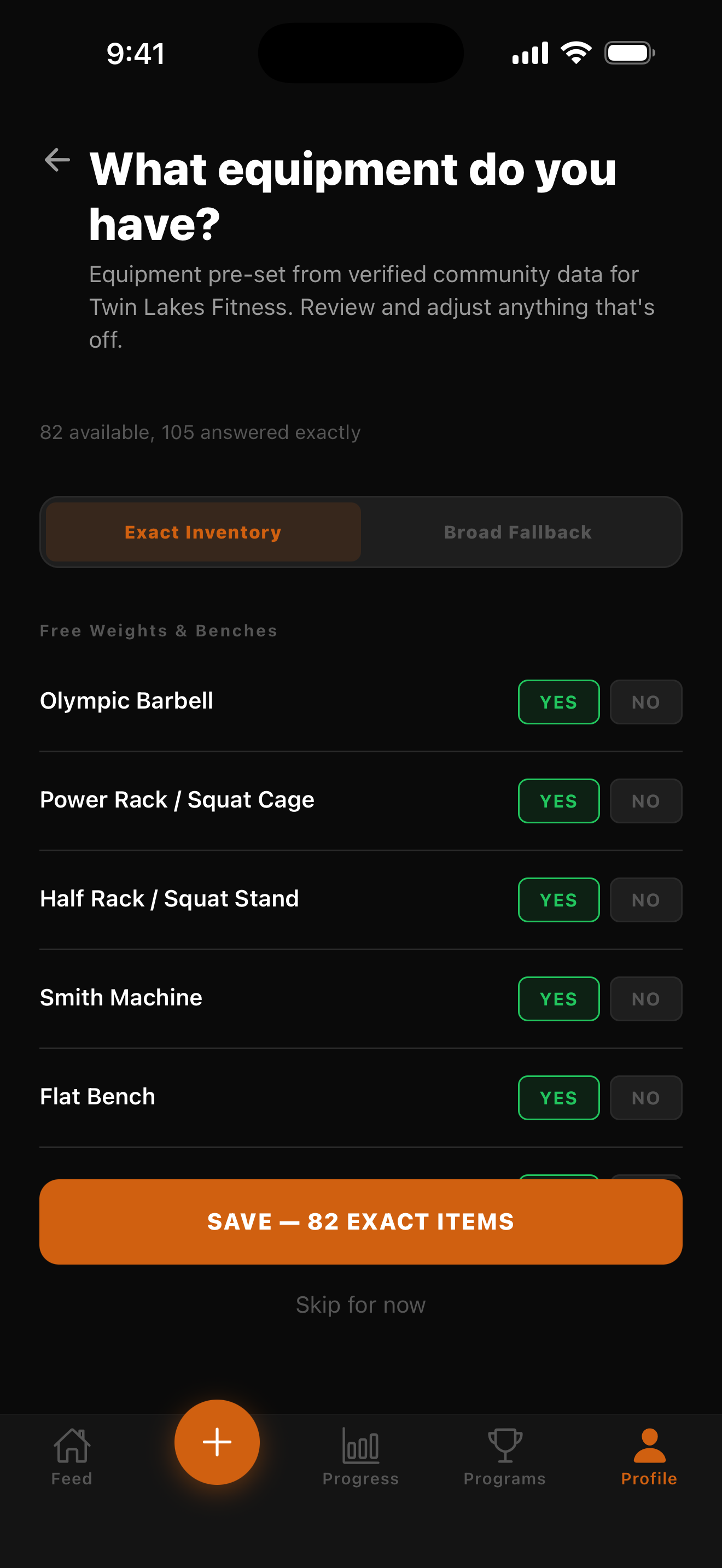
82 equipment items
More screens
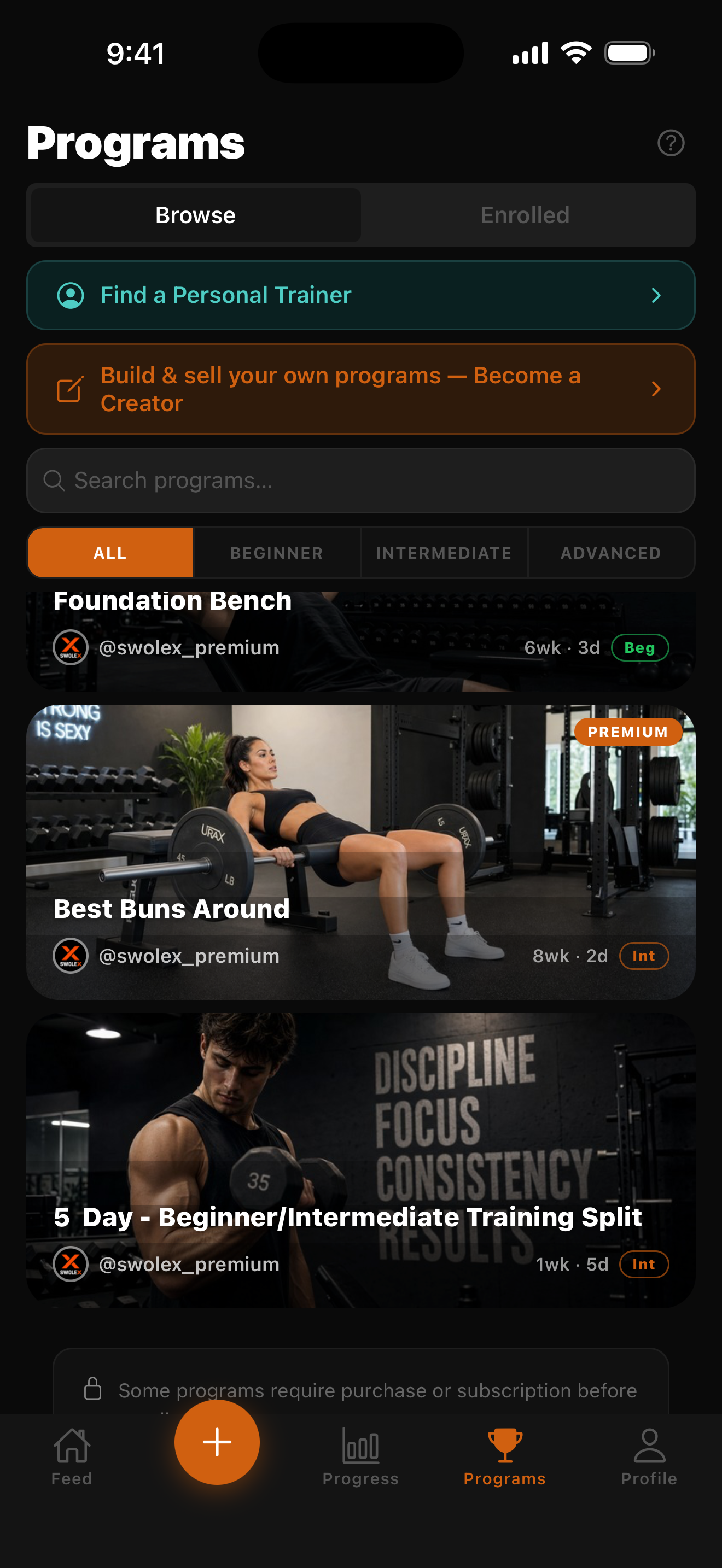
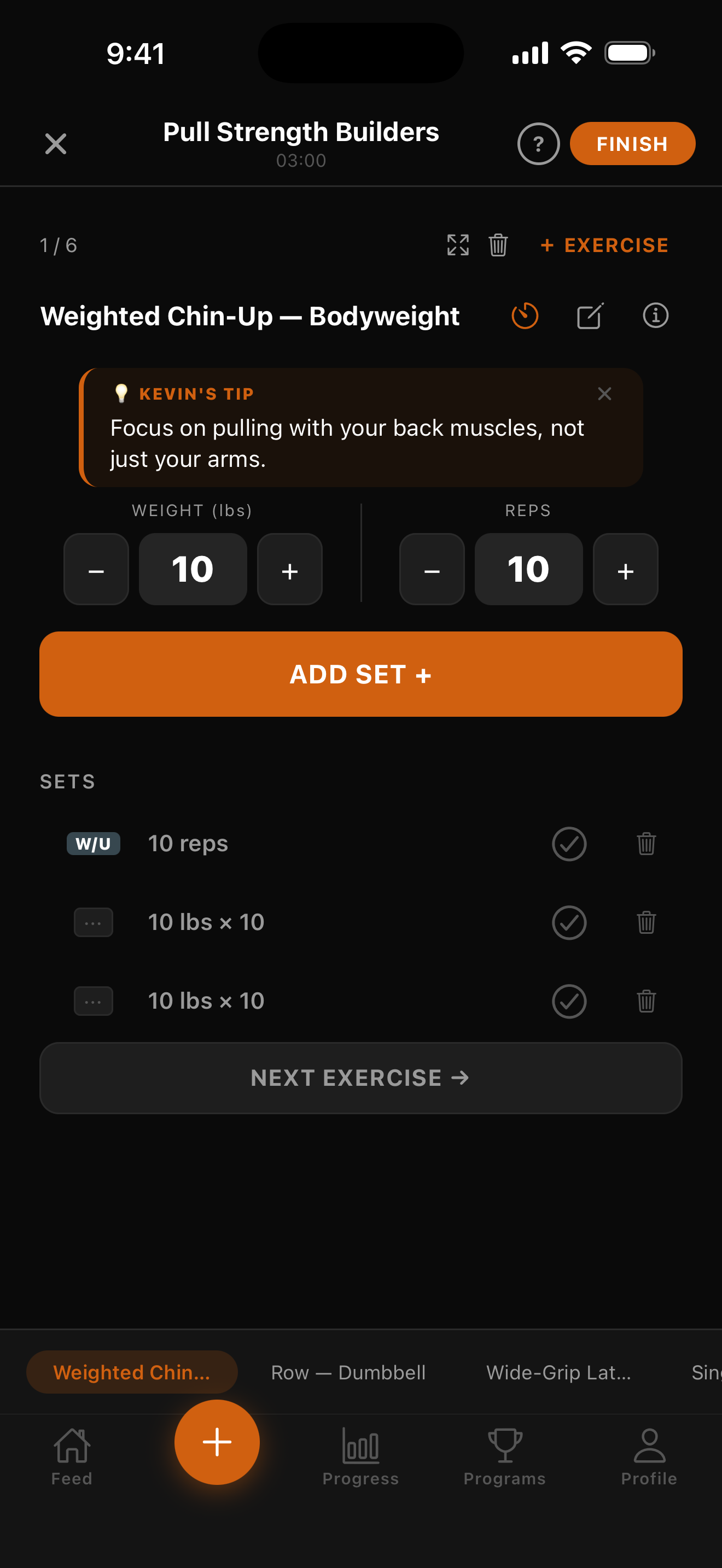
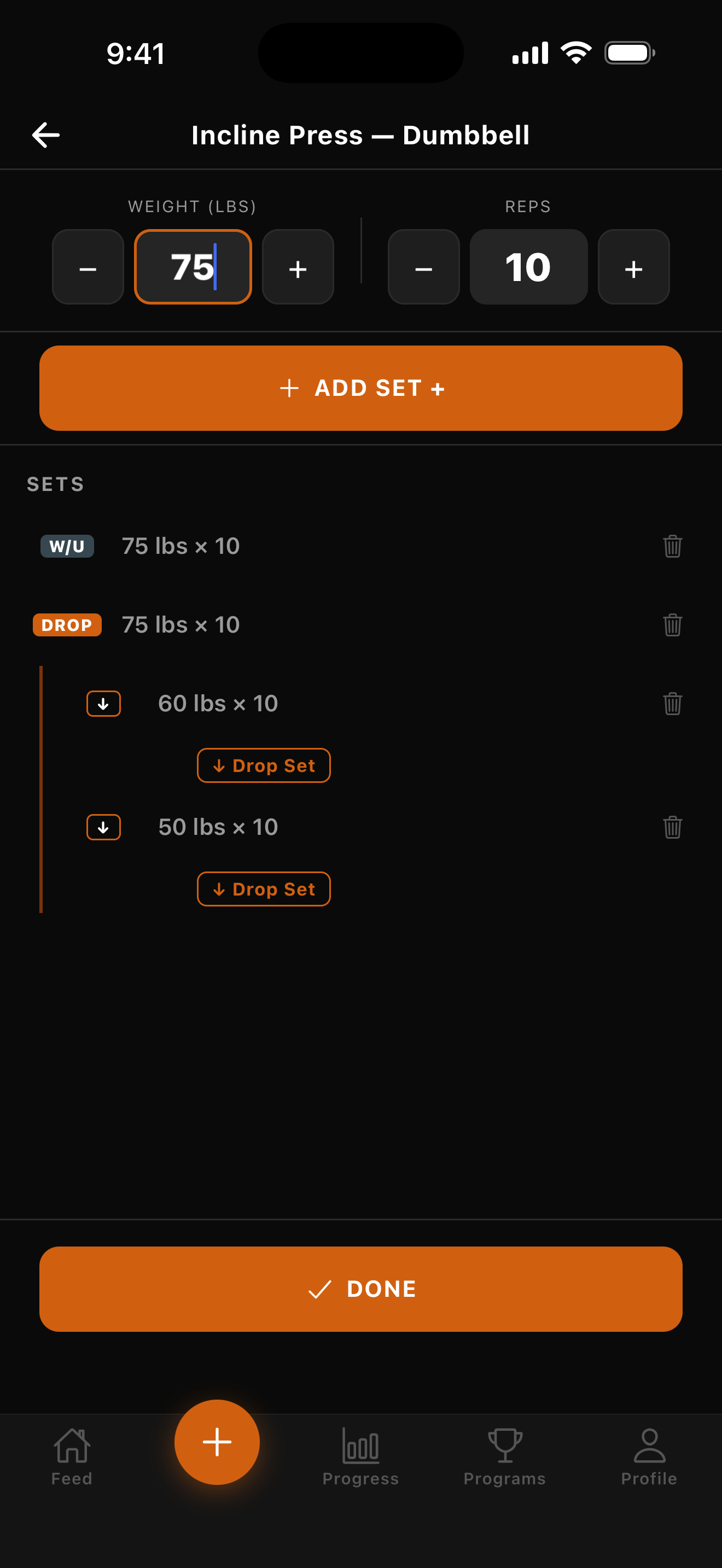
Beyond the 12 heroes, here are the supporting shots — the Fitness Profile signals Kevin reads, the feed and gym-discovery surfaces, programs, mid-workout logging UX (drop sets and the exercise picker), the Progress analytics and the graded A–F Training Report, and the full Nutrition set (daily log, macro targets, AI meal plan, grocery list). Click any tile for the full-res file.
Fitness Profile — the six signals Kevin reads
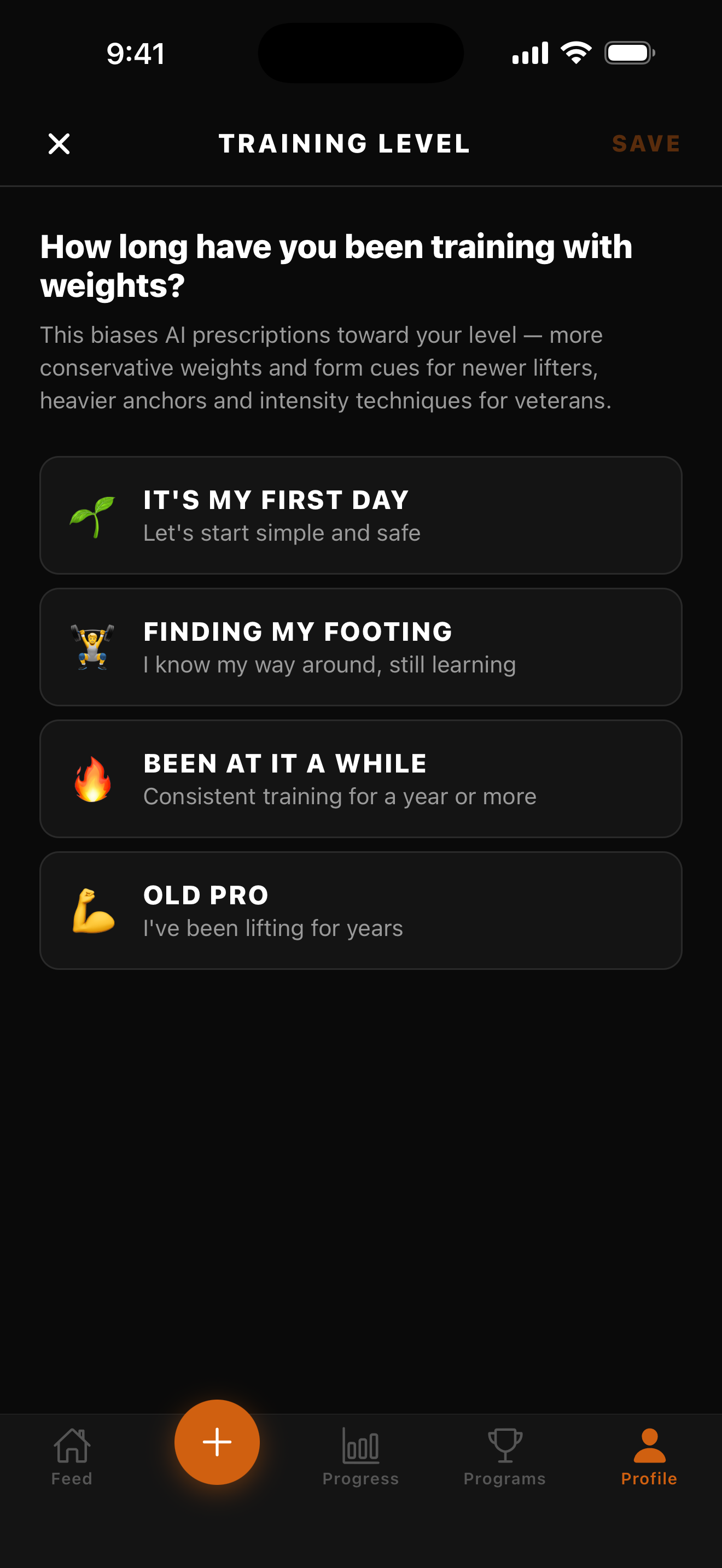
Training Level
First Day → Old Pro, four levels
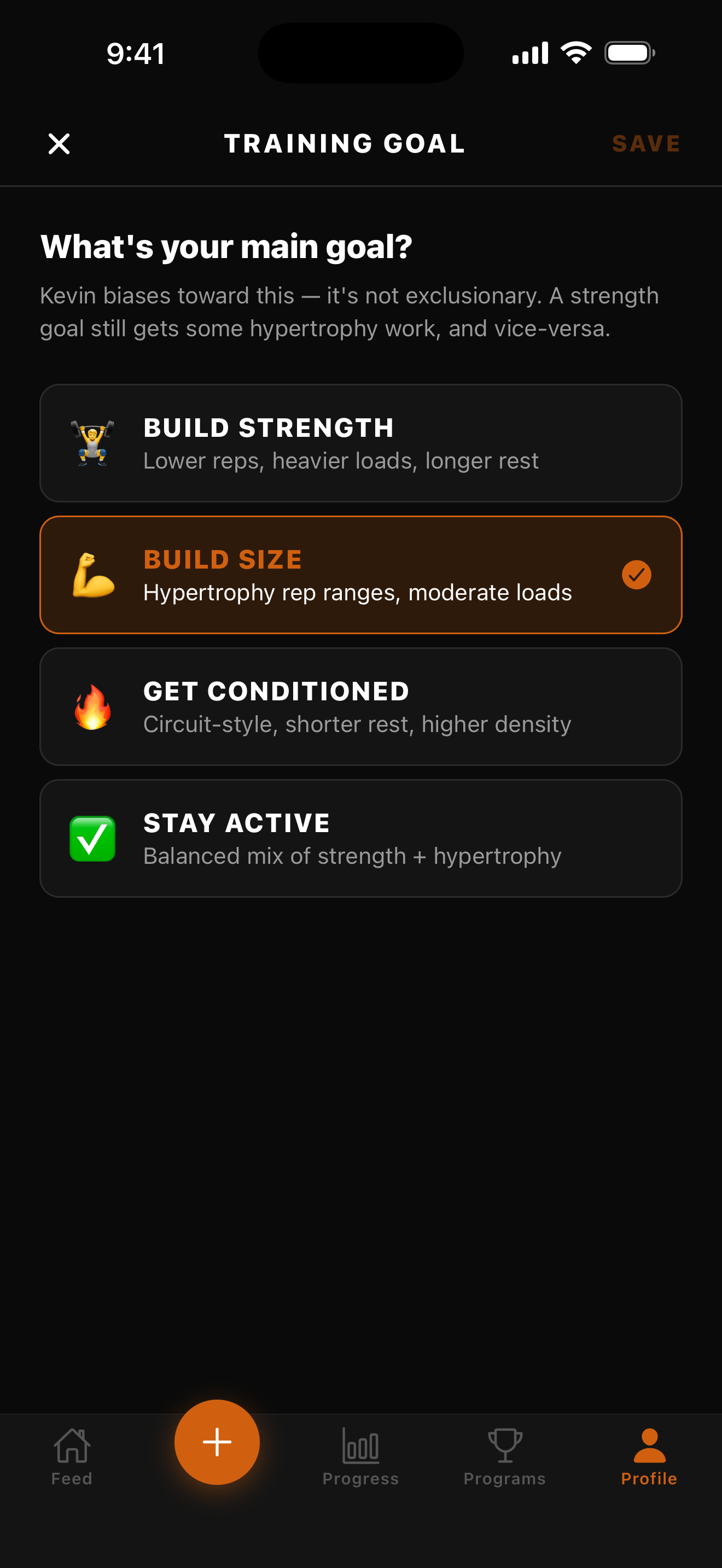
Training Goal
Build Strength · Build Size · Get Conditioned · Stay Active
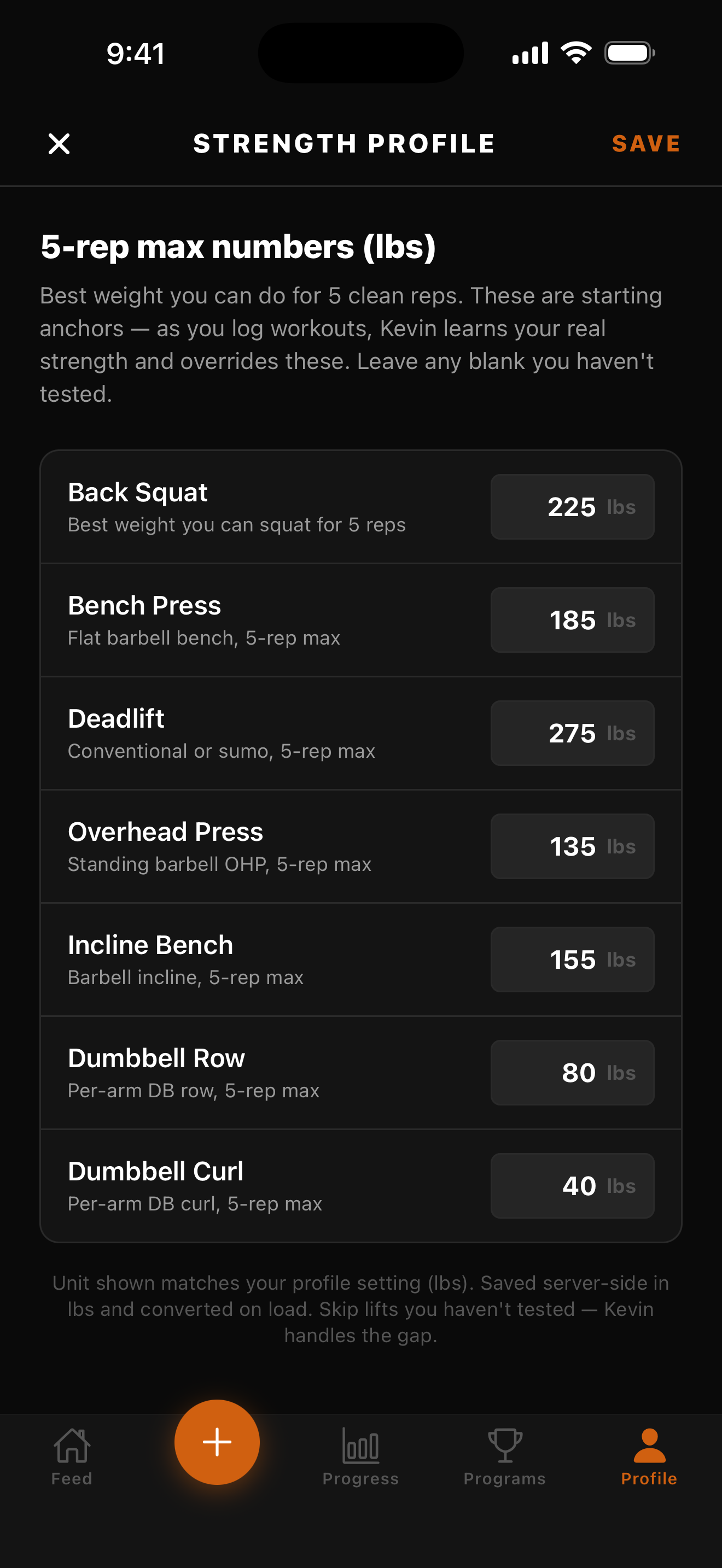
Strength Profile (5RMs)
Big-lift anchors Kevin uses on day one
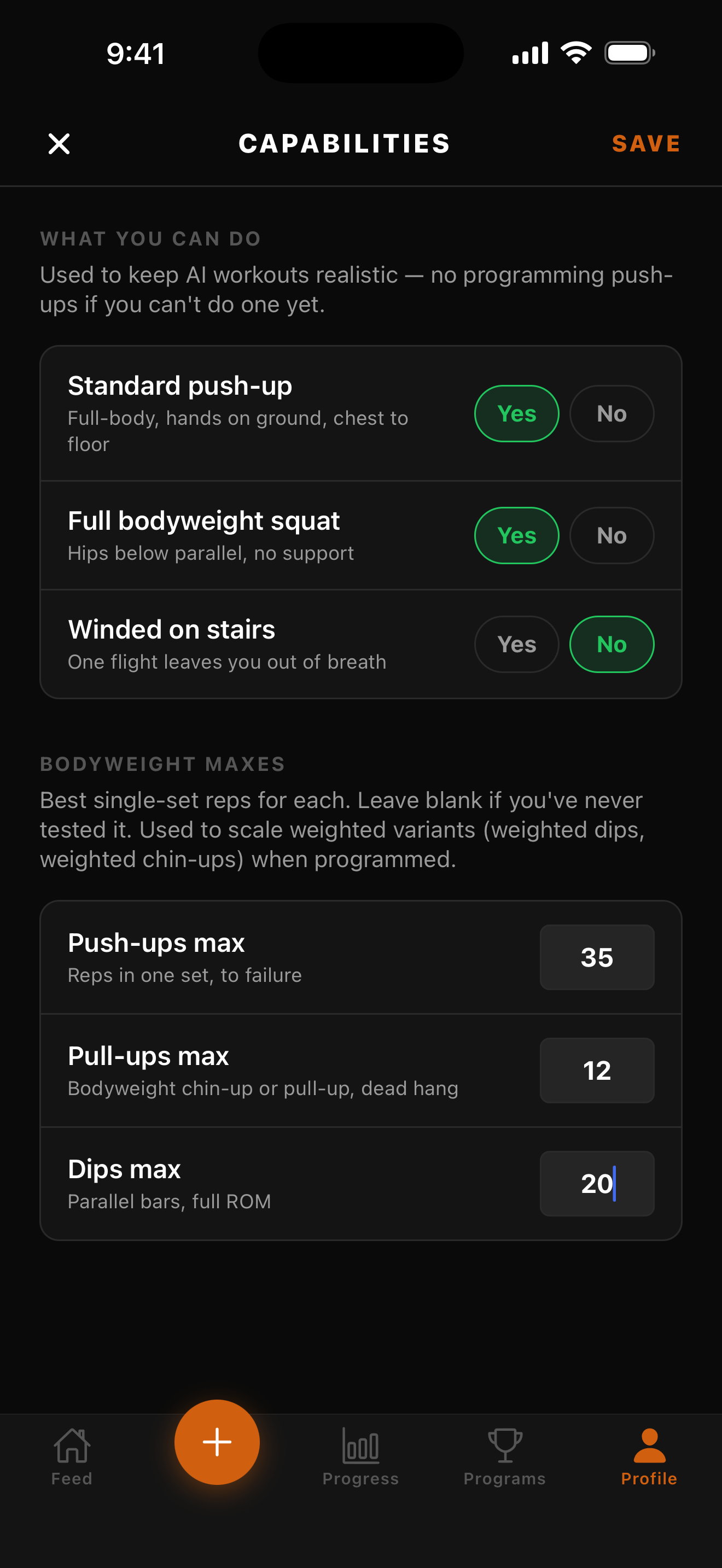
Capabilities
Bodyweight maxes + can-I-do toggles
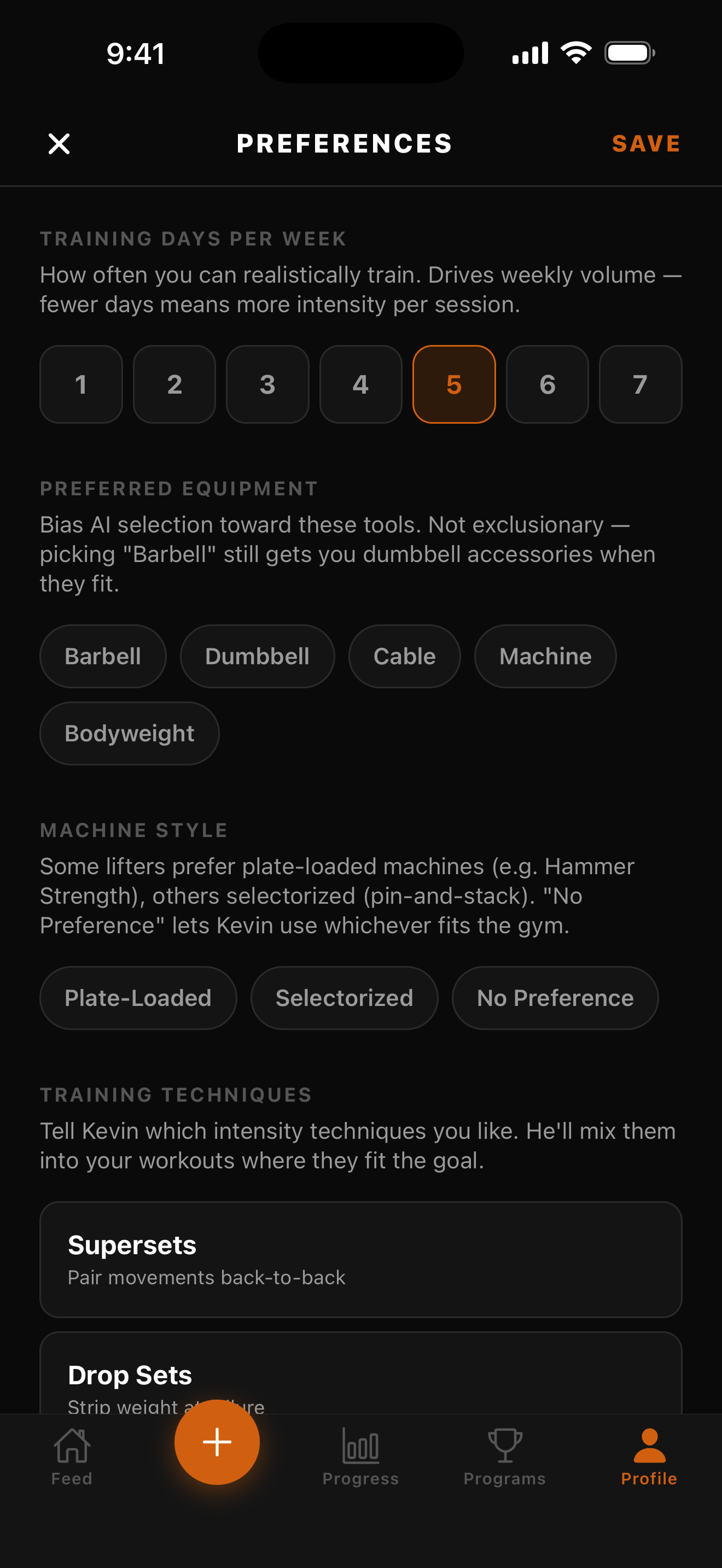
Preferences
Days/week, equipment, supersets, drop sets
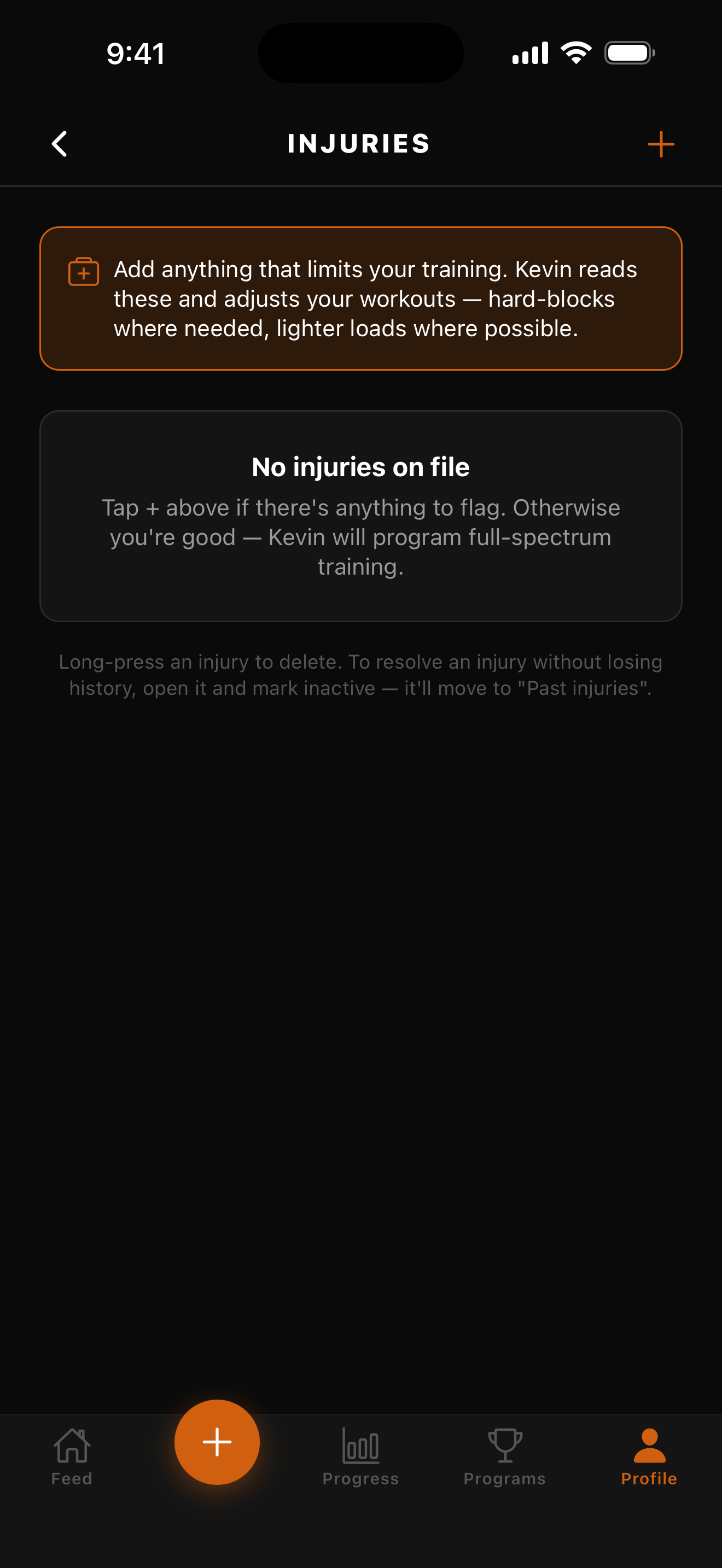
Injuries empty state
"Kevin will program full-spectrum training"
The feed & gym discovery
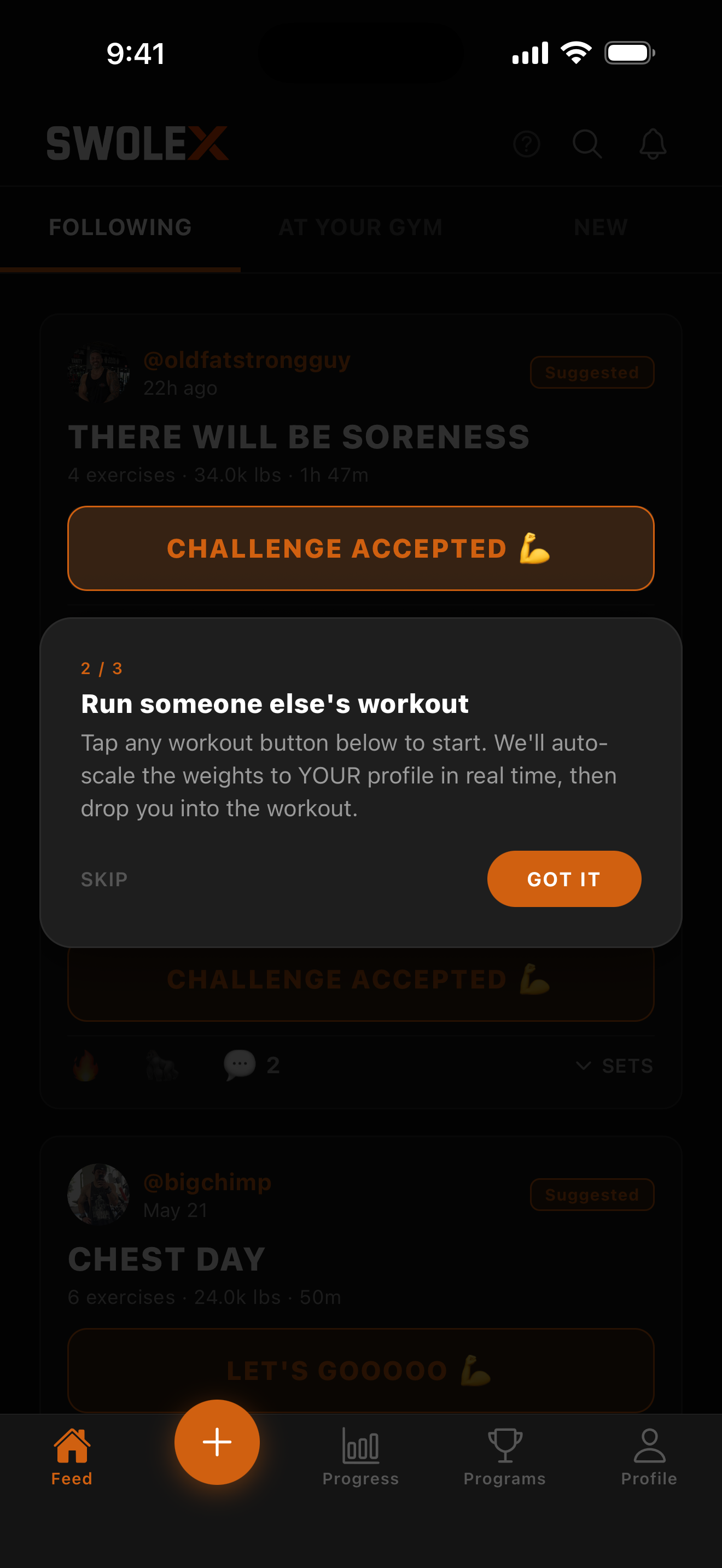
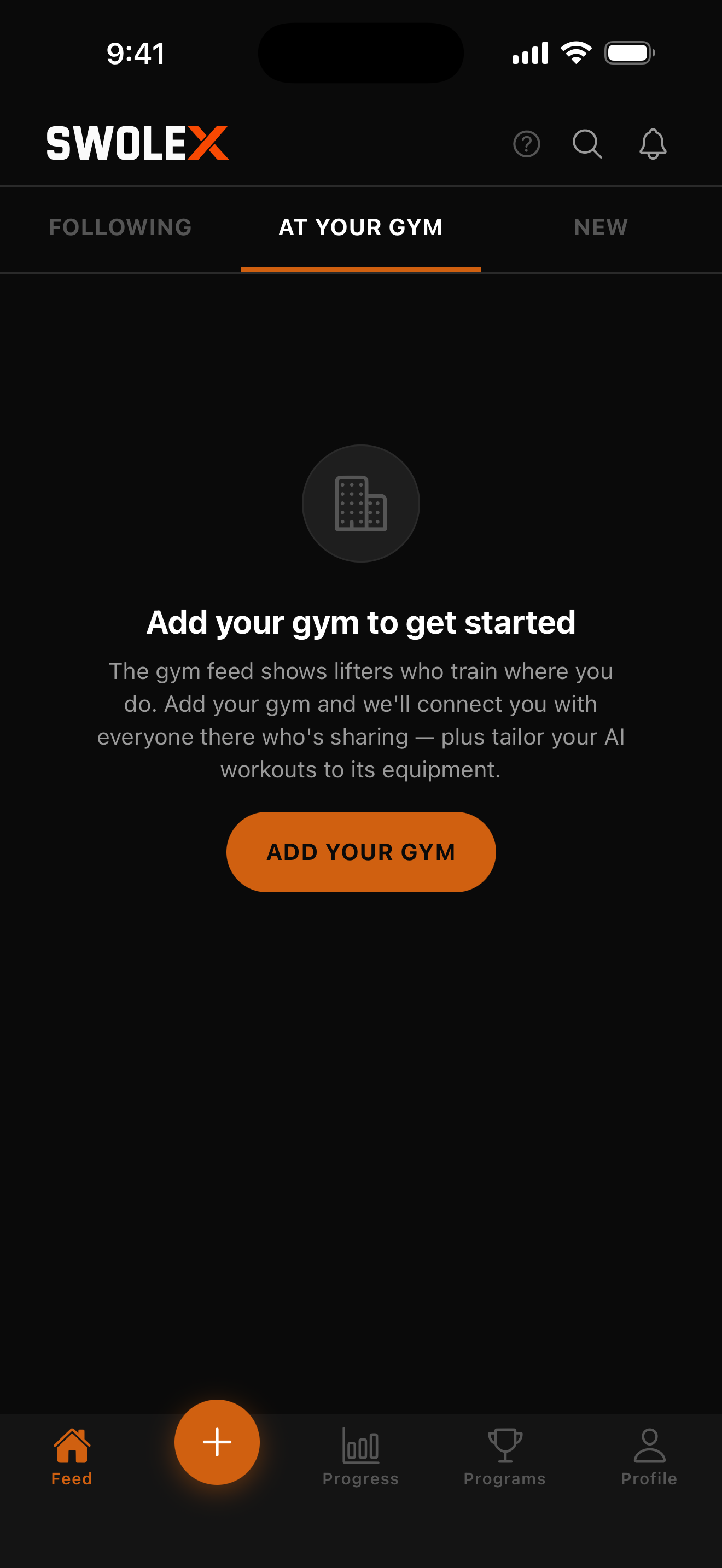
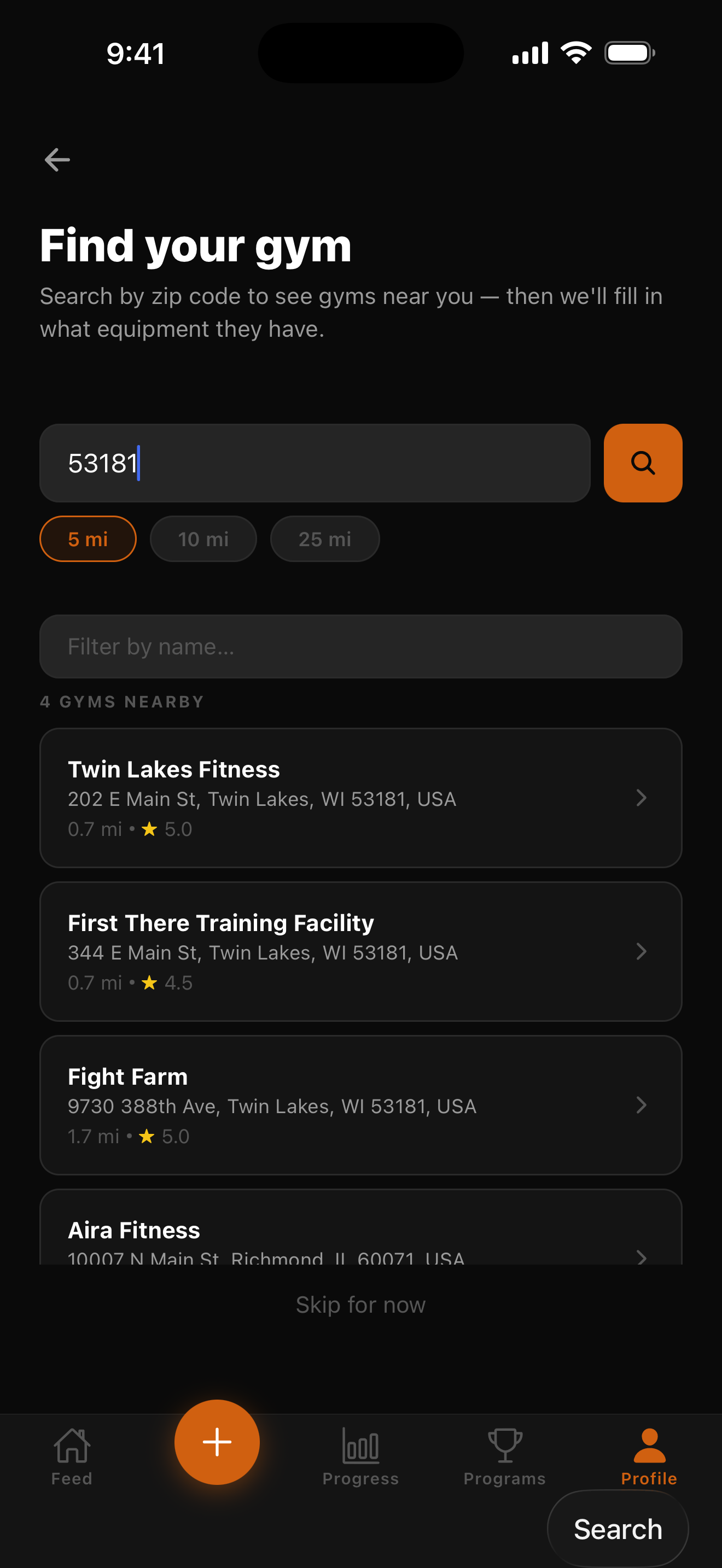
Programs — browse & enroll
Workouts — logging that respects the gym
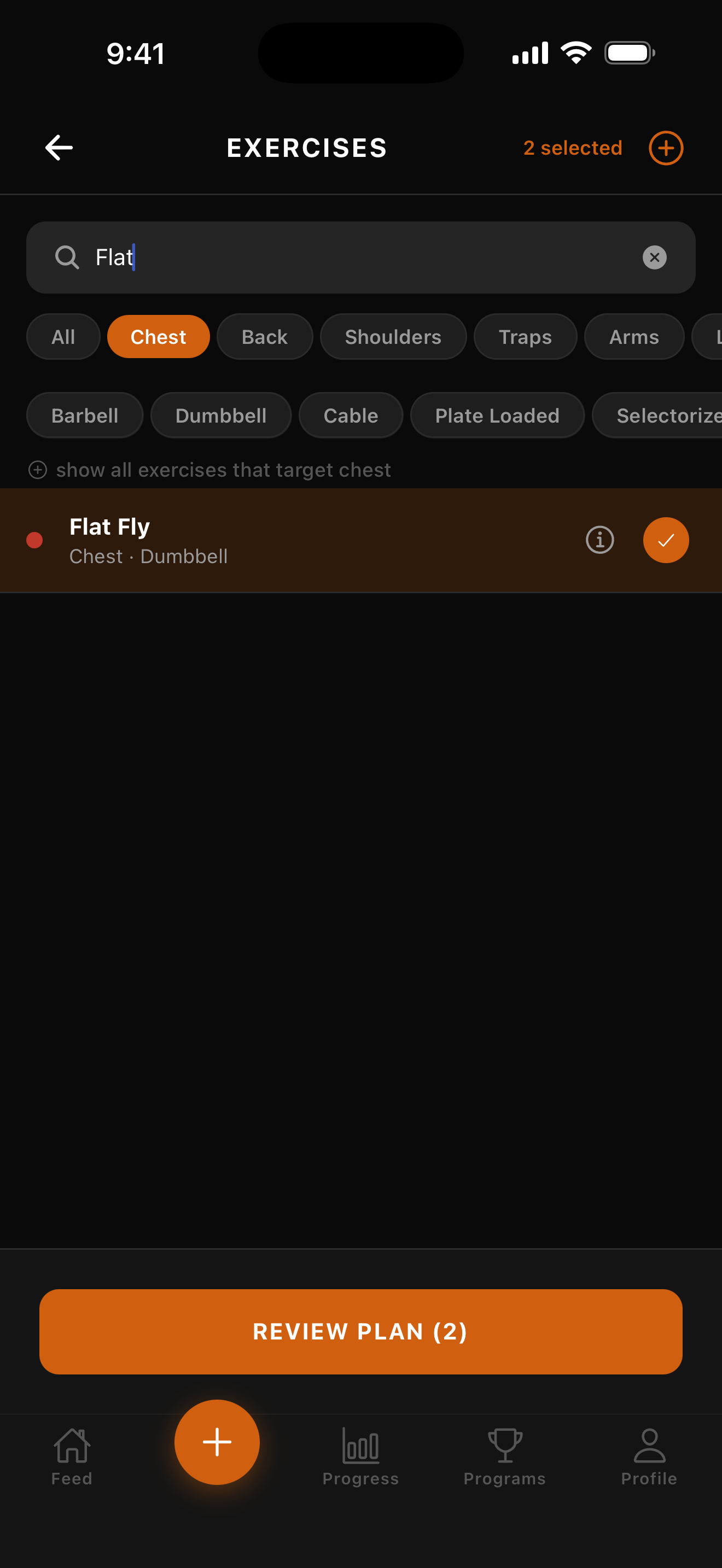
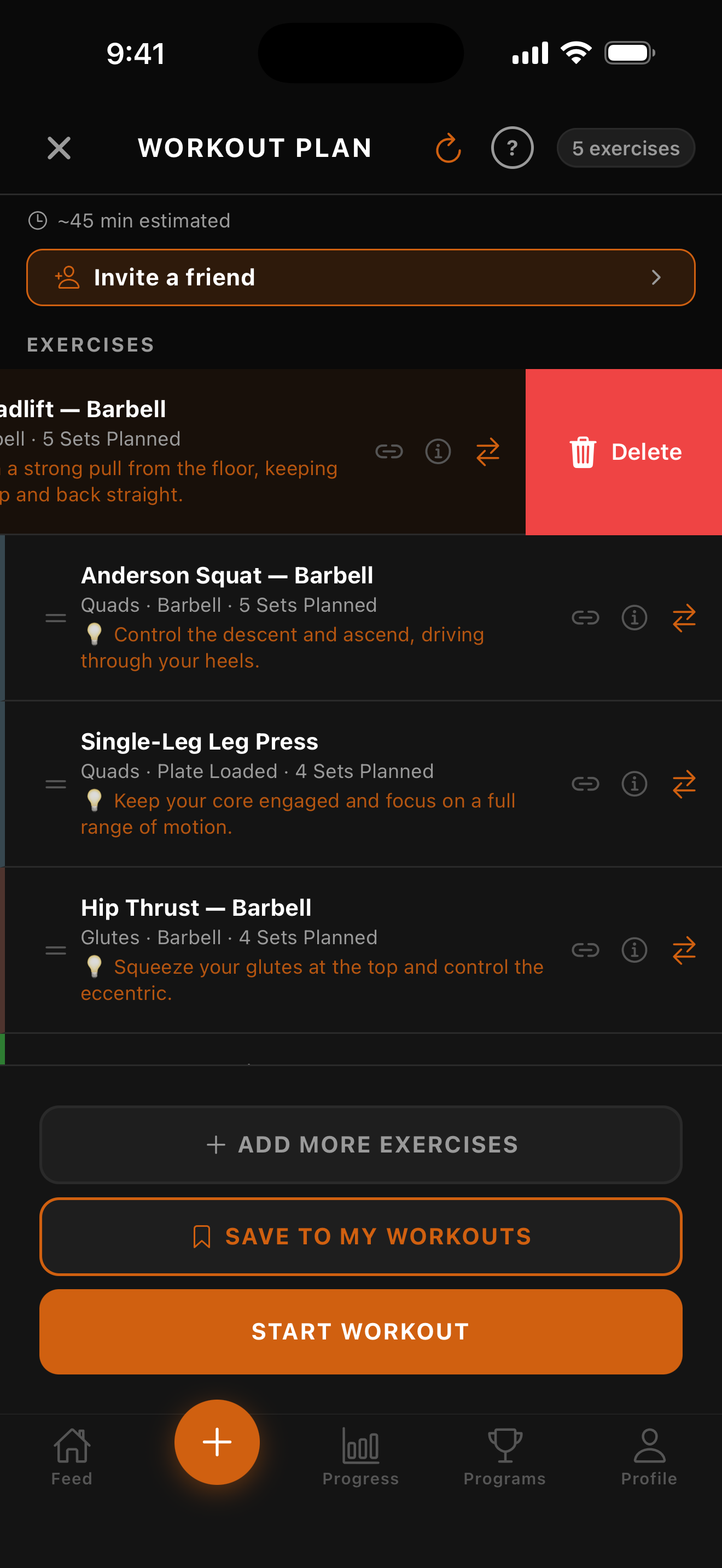
Progress — the data picture
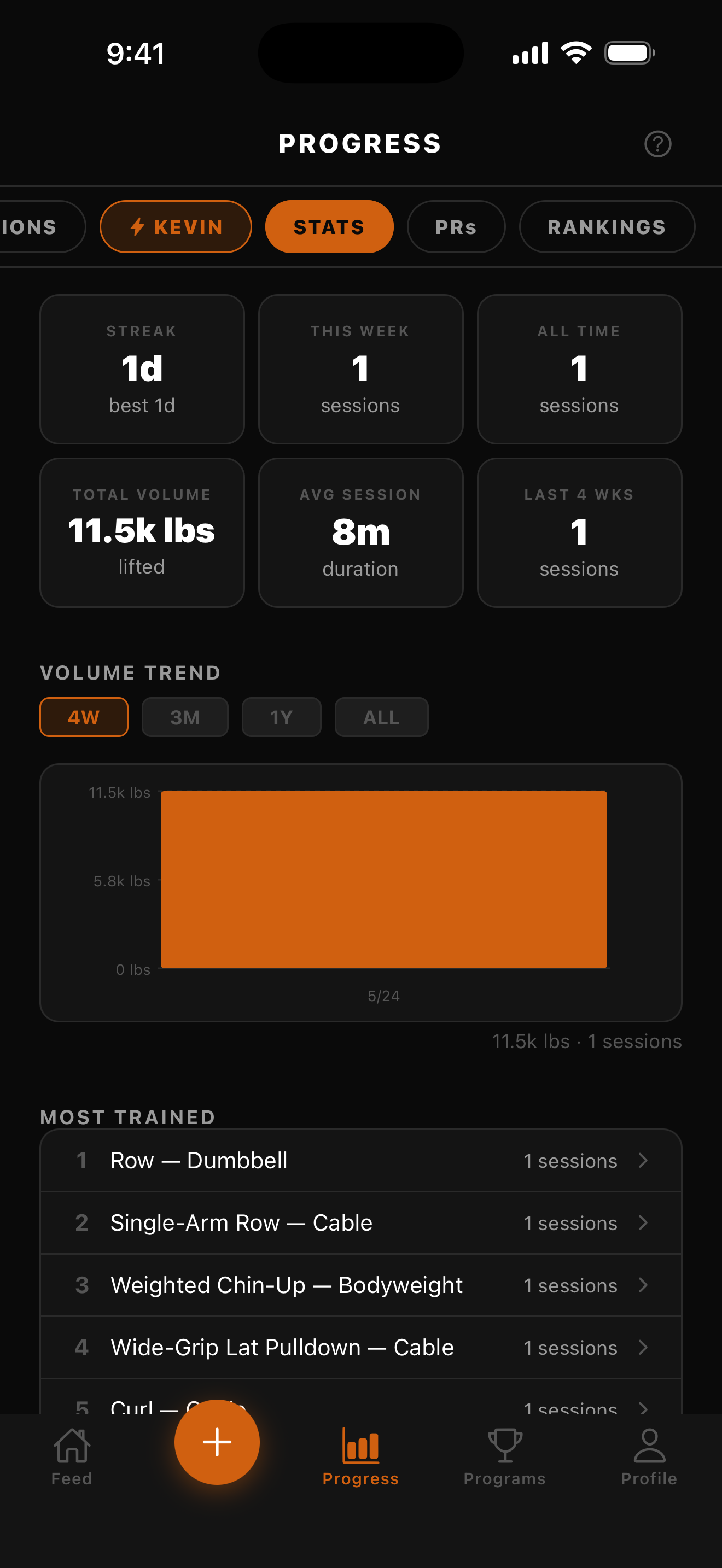
Stats tab
Streak · volume trend chart · most-trained list
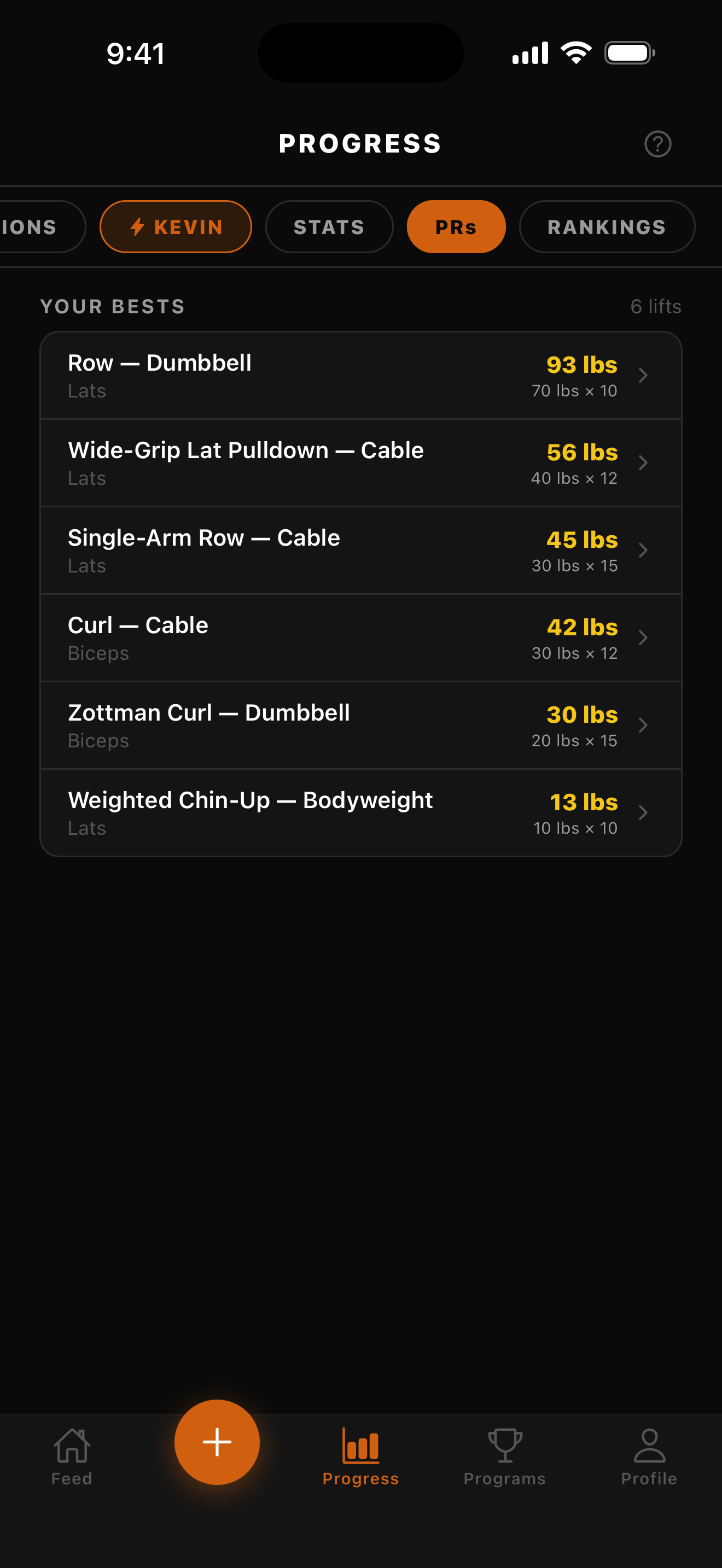
PRs tab
Your bests across every lift, sorted by weight
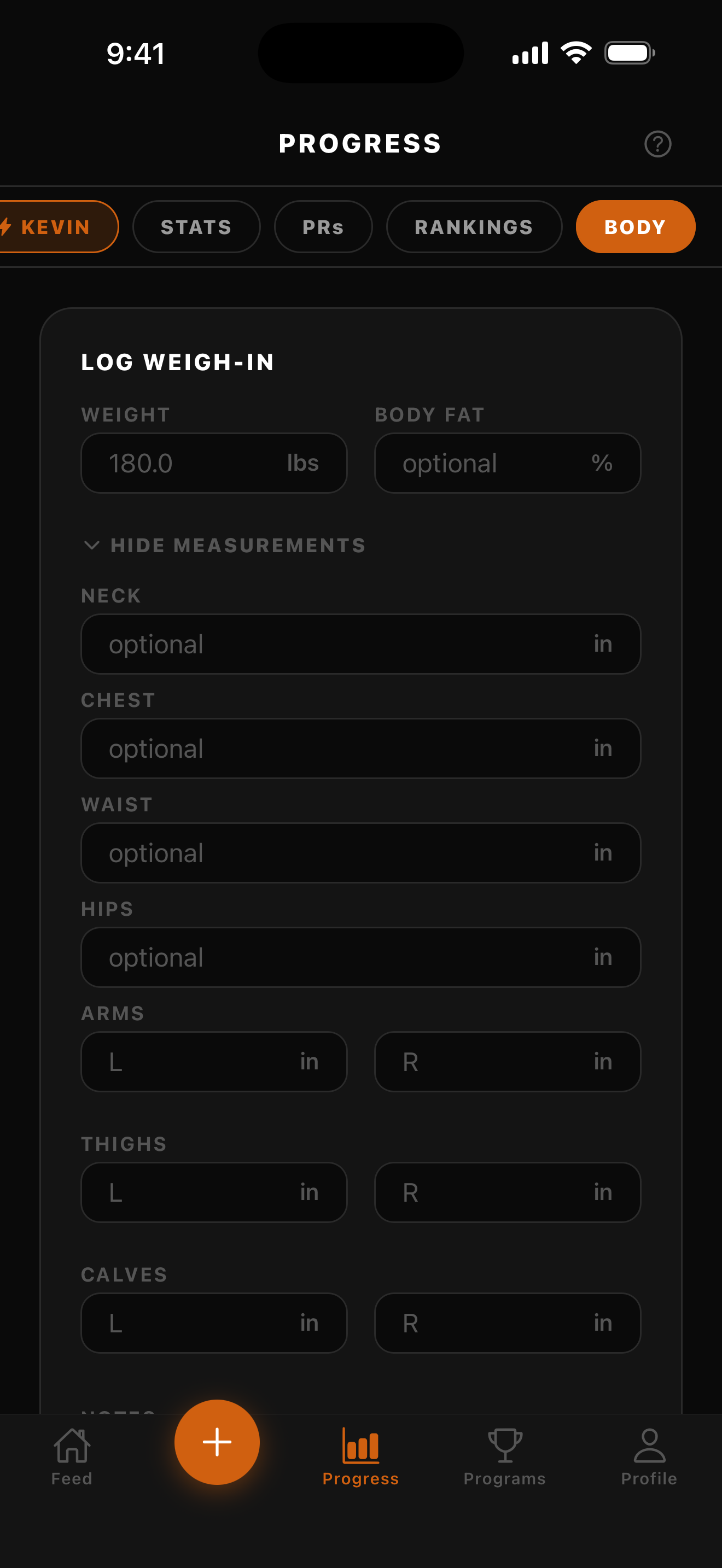
Body tab
Weigh-in + body fat + seven circumferences with trend chart
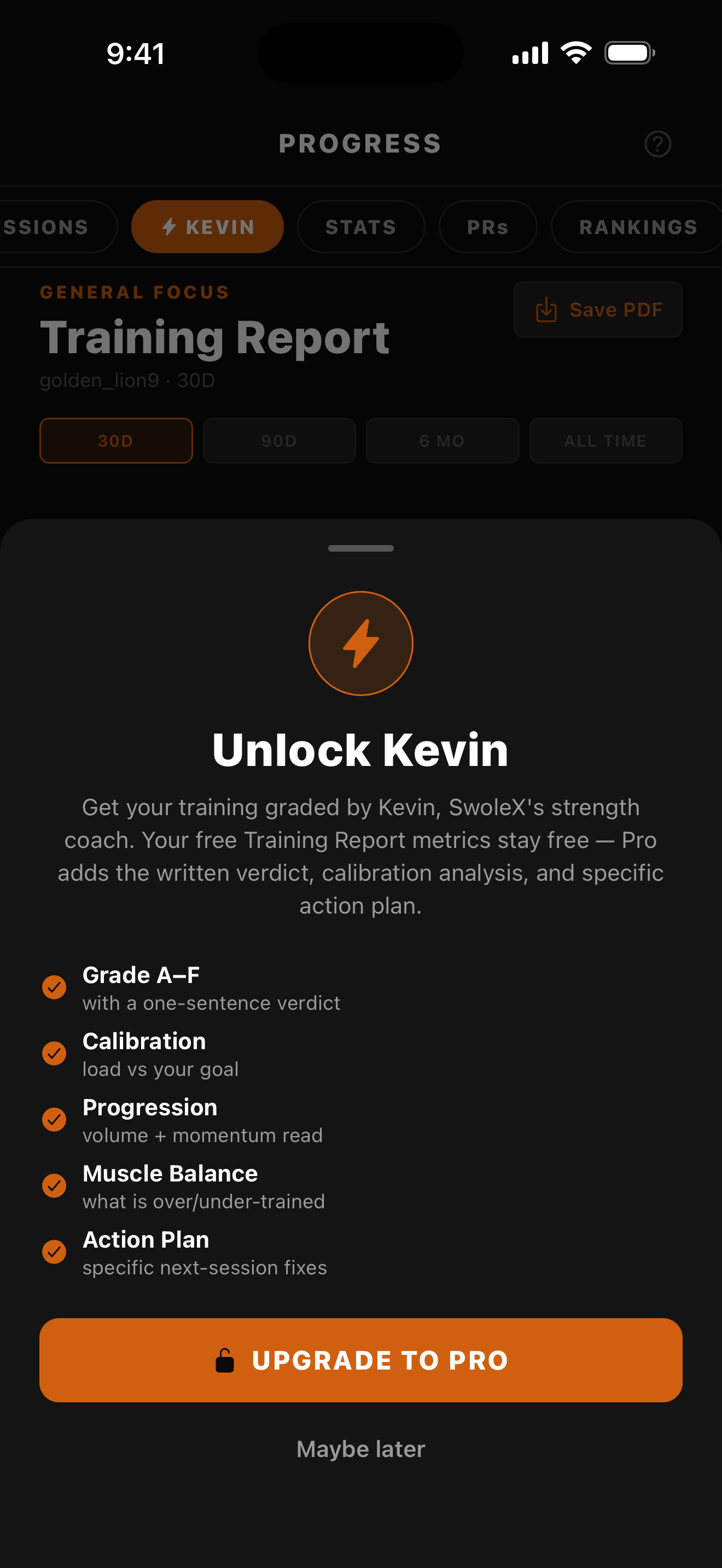
Weekly Training Report — graded A–F
Kevin grades your week: calibration vs your goal, progression, muscle balance, and a next-session action plan (Pro)
Nutrition — log food, hit your macros, plan meals
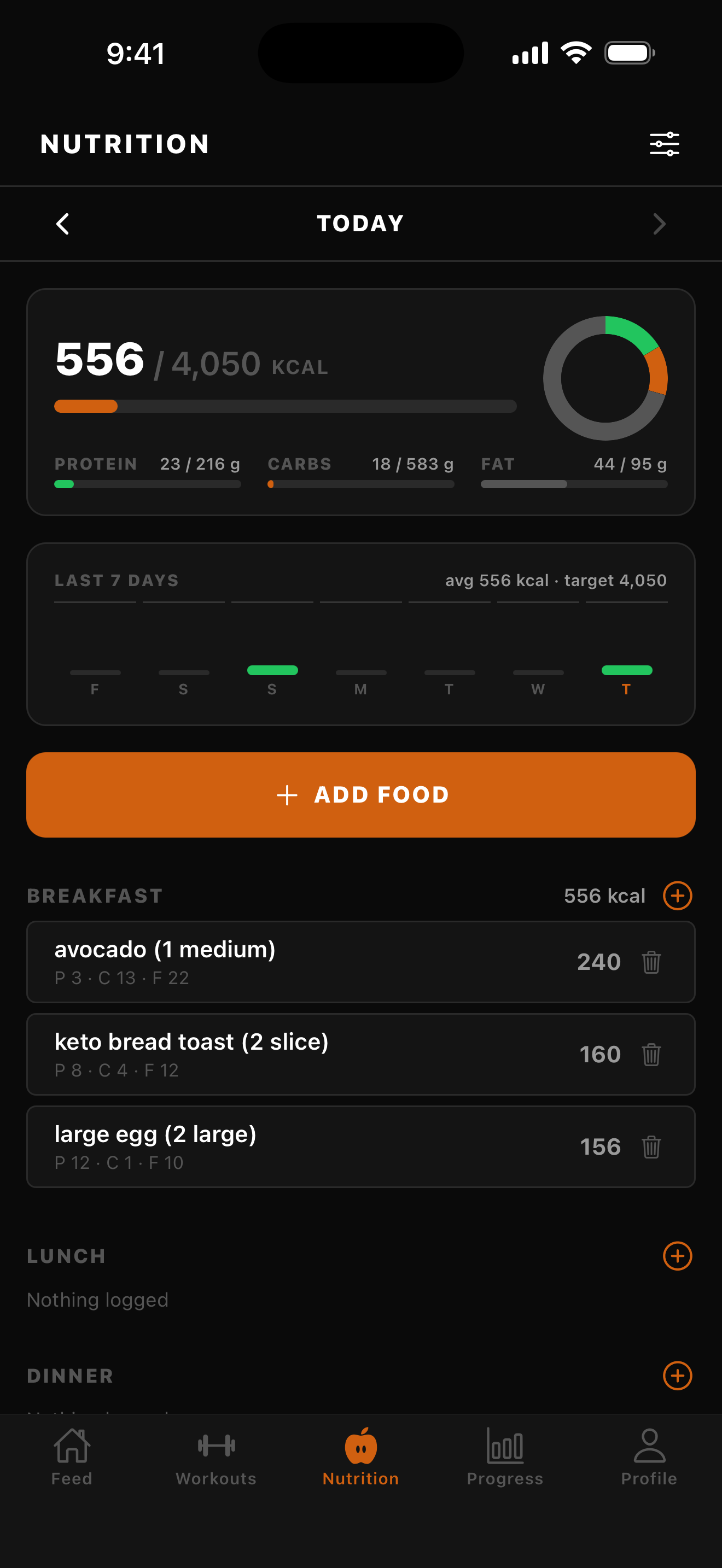
Nutrition home
Daily calorie ring + protein/carb/fat progress + a meal-by-meal log
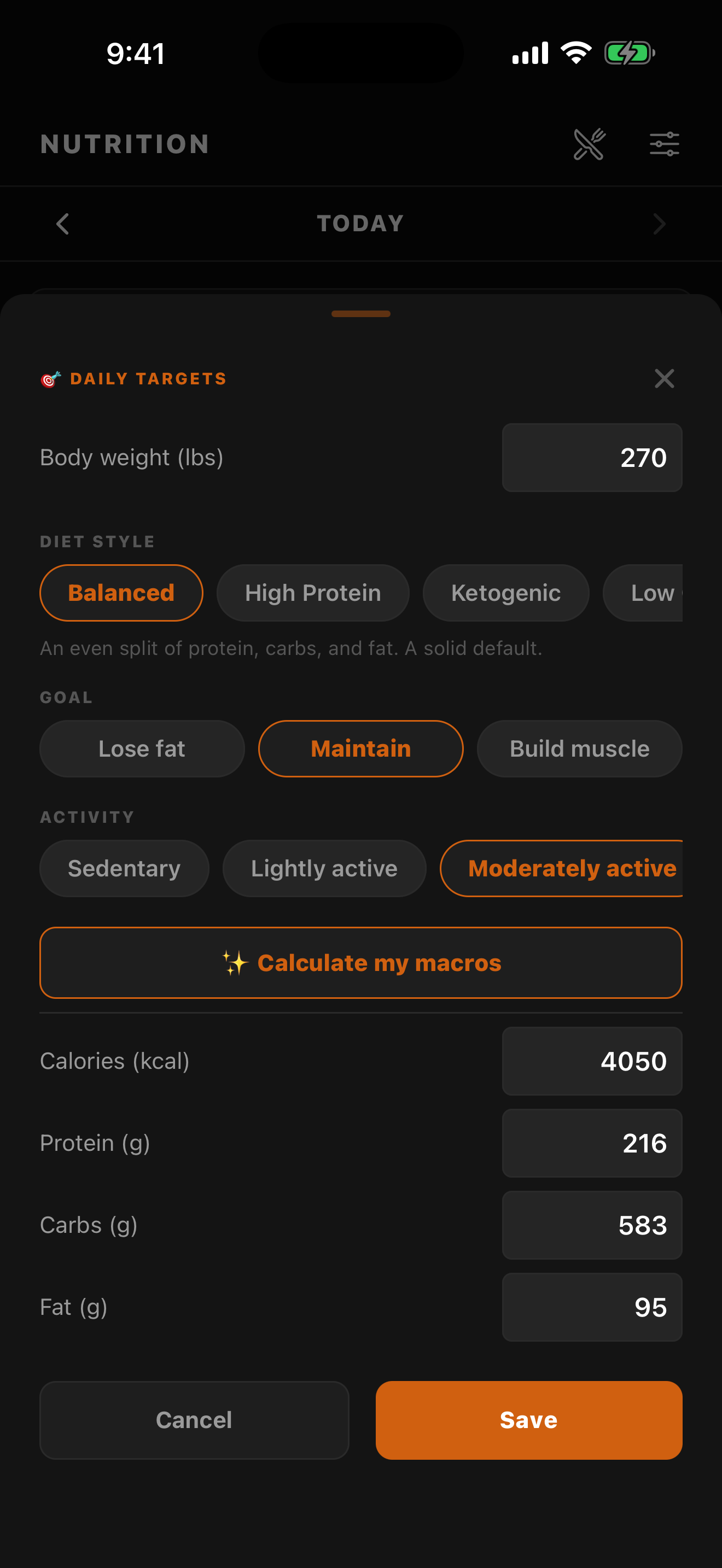
Daily targets
Pick a diet style + goal and SwoleX calculates your calorie + macro targets
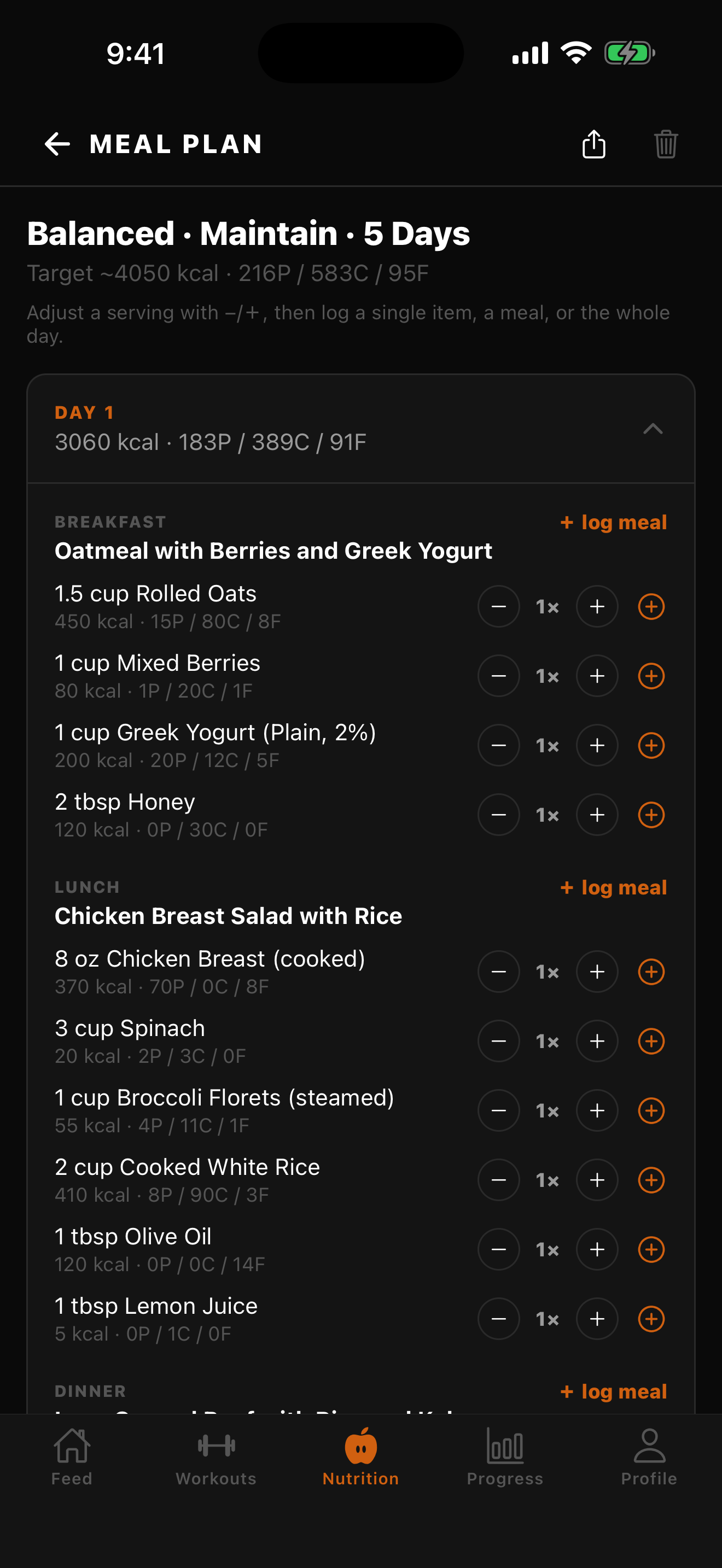
AI meal plan
A multi-day plan built to your targets — log one food, a meal, or the whole day
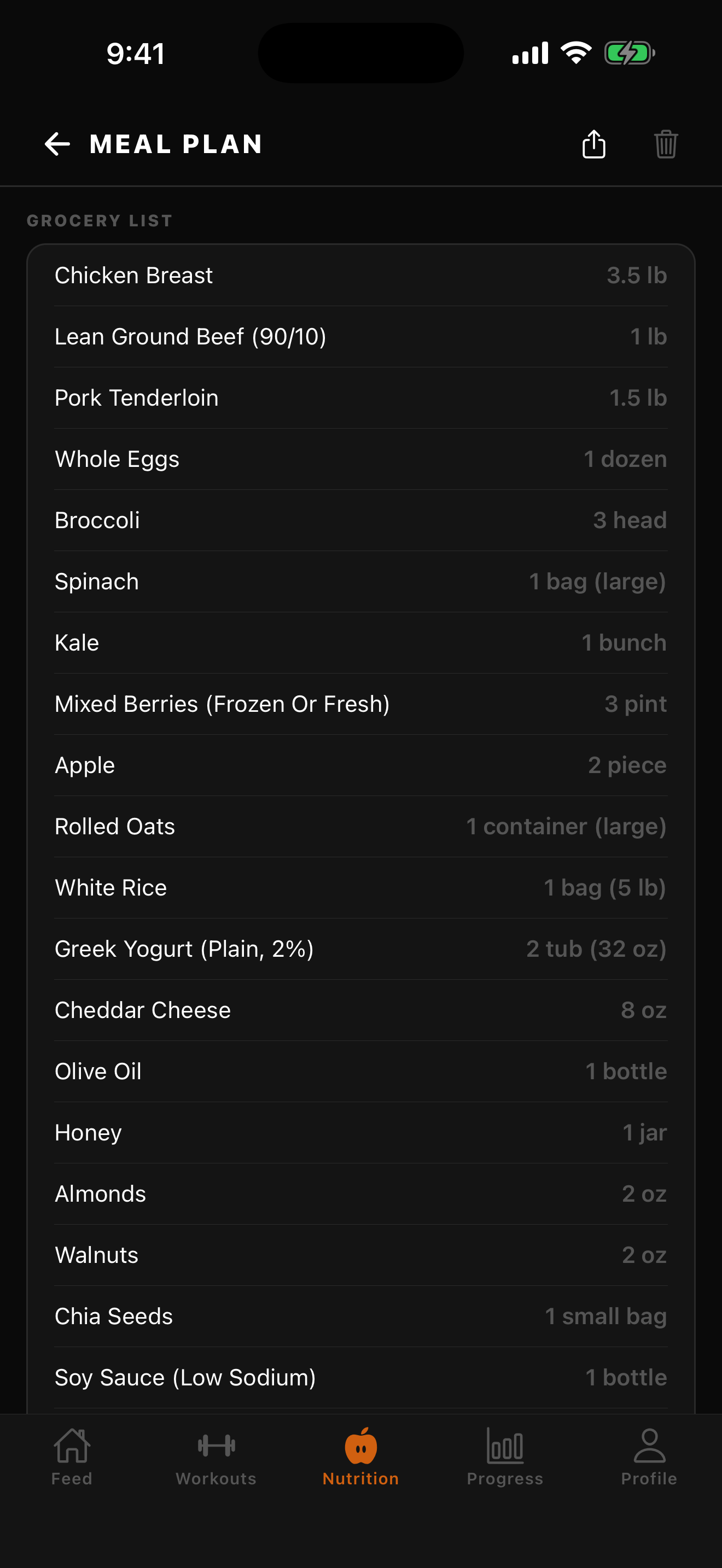
Grocery list
The whole plan aggregated into one shopping list in real units
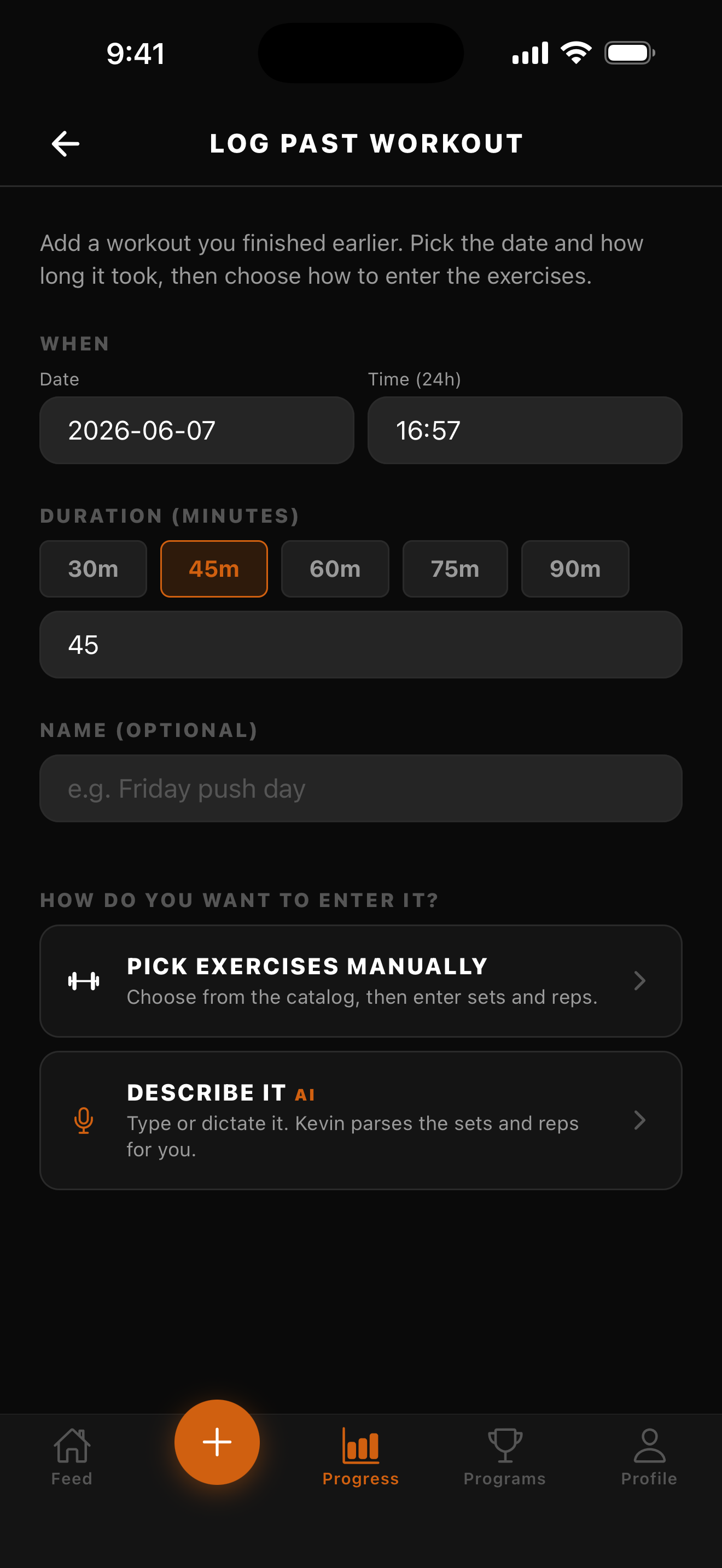


Need a screen that isn't here? The full library — the core new-user flow plus the 1.4.0 top-up (Nutrition home, daily macro targets, AI meal plan, grocery list, and the graded A–F Training Report) — lives in /marketing/screenshots/. Full annotations in 07_screenshot_index.md.
Briefing an LLM?
Paste llm_briefing.md into ChatGPT, Claude, or Gemini as a system message. It's a self-contained context dump covering positioning, features, Kevin, voice rules, pricing, and asset references — designed to be the one file you hand off.
For more granular work (e.g. a Kevin-focused video script or App Store screenshot captions), point the model at the specific brief from the grid above.
Standing rules for SwoleX copy
- Kevin is a first name. Never "AI Kevin" or "Kevin the AI." Just Kevin.
- "SwoleX" in body text, "SWOLEX" only in the logo / wordmark. Never "swolex" or "Swolex".
- Lifters, not "fitness enthusiasts." Audience trains hard and tracks lifts. Don't over-explain RPE, drop sets, or supersets.
- No emoji except 🔥 💪 🦍 — the in-app reactions.
- Show real numbers ("34.8k lbs · 1h 14m · 7 exercises") over adjectives ("intense workout").
- The button on the feed is the product. Every demo, video, and landing-page hero should anchor on CHALLENGE ACCEPTED / LET'S GOOOOO / TAP TO DO THIS WORKOUT + Kevin scaling the weights.